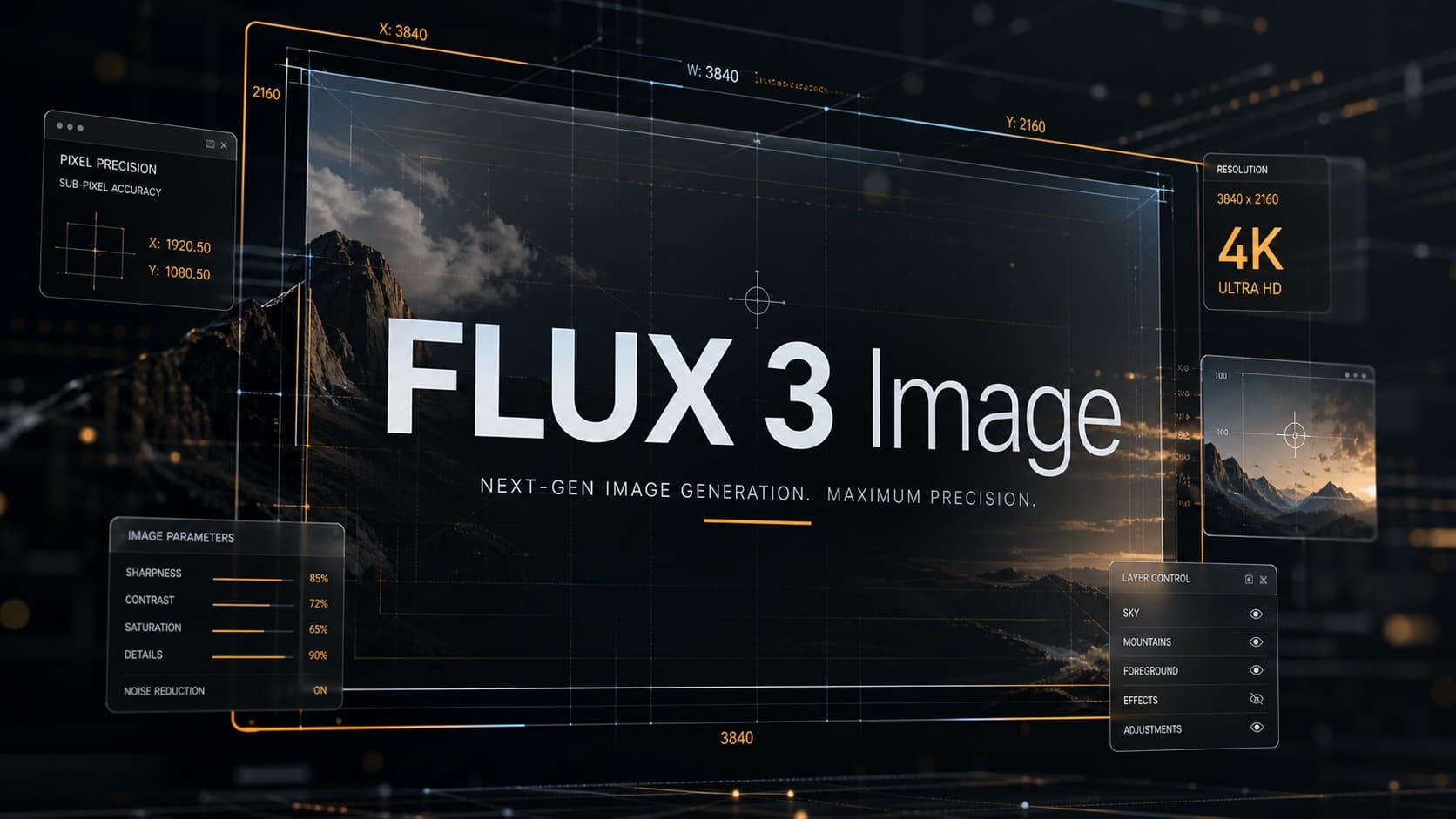
FLUX 3 Image: 4K Generation, Pixel-Level Editing, and Layout Control
Black Forest Labs released FLUX 3 Image on October 1, 2026, as a dedicated tool for generating and editing images through a unified API endpoint. This launch follows the company’s July 2026 announcement of the broader multimodal FLUX 3 family, which spans video and audio. The new model addresses a major challenge for ad designers and creators: placing visual elements with spatial precision and editing targeted areas while preserving the rest of the composition.
Introducing FLUX 3 Image.
Control every pixel.
Make precise multi-turn edits without changing any other pixel.
Lay out the image exactly how you want using bounding boxes.
Generate in up to 4K to preserve details.
Use up to 10 references to compose an image.
Commercial… pic.twitter.com/u7XqRzxkGr
– Black Forest Labs (@bfl_ai) October 1, 2026
The model delivers native output at up to 4K resolution, supports up to ten reference images in a single prompt, and uses bounding boxes to organize layout geometry. This moves AI image generation from vague text prompting to structured layout control, with commercial weights available immediately and public open weights scheduled for the coming weeks.
The Difference Between the FLUX 3 Family and FLUX 3 Image
Black Forest Labs announced the FLUX 3 architecture in July 2026 as a multimodal model based on its Self-Flow framework, designed for images, video, audio, and action prediction. In contrast, FLUX 3 Image launched on October 1, 2026, as a specialized tool dedicated strictly to still-image generation and multi-turn revisions.
The system operates through a unified API endpoint handling two main functions: generating brand-new scenes from scratch, or modifying existing images using prompt instructions and spatial coordinates, with search grounding enabled by default to verify visual details accurately.
5 Key Features That Make FLUX 3 Image Practical
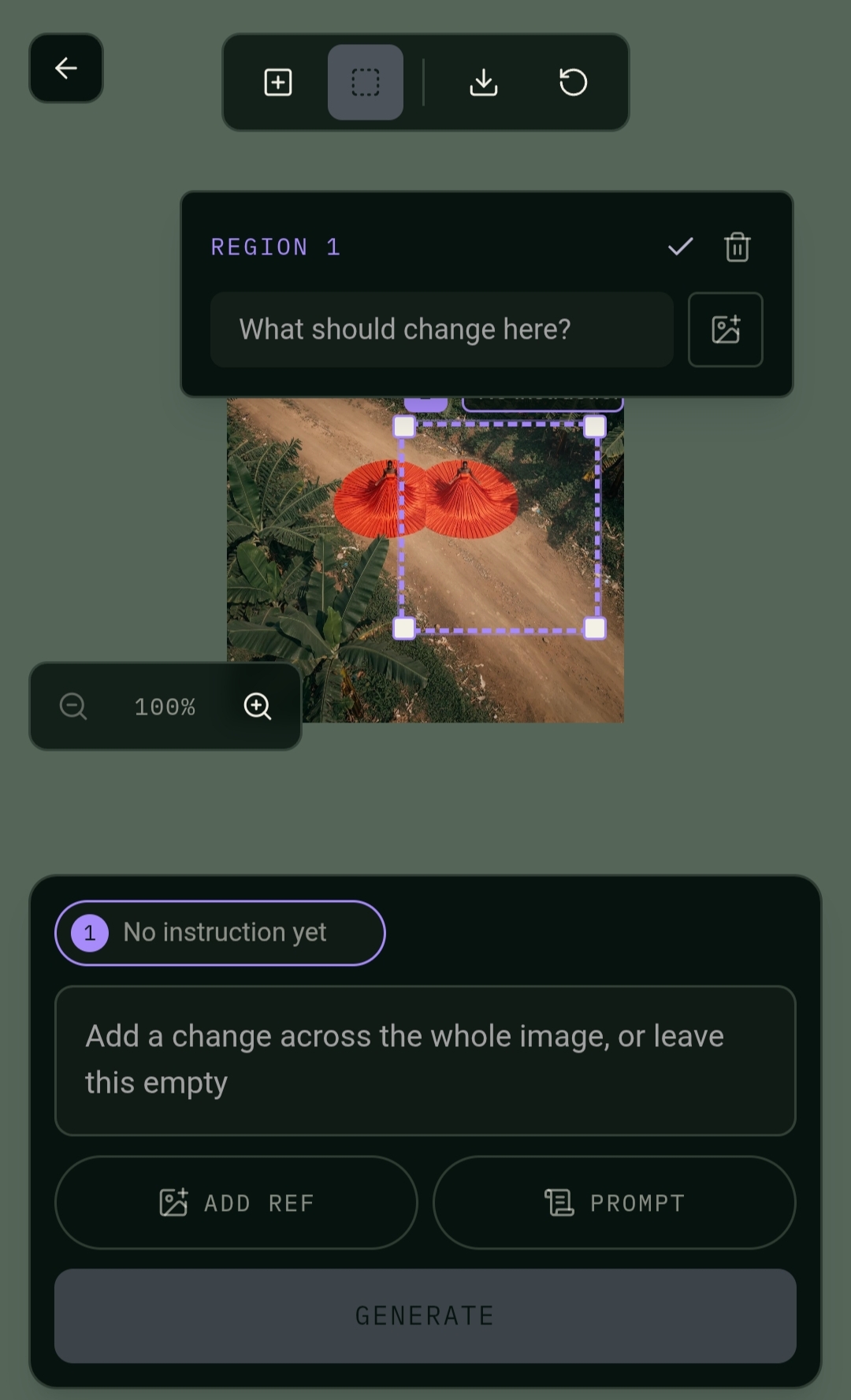
1. Editing Without Altering Unaffected Pixels: Most generative tools regenerate the whole image when a user requests a simple wardrobe change or background removal. FLUX 3 Image isolates the target area, swapping only the specified elements while leaving backgrounds, approved faces, and surrounding details untouched.
2. True Native 4K Output: The model does not simply upscale lower-resolution images; it generates native high-resolution files reaching 5456 × 3072 pixels (around 16.8 megapixels). This gives designers substantial canvas space for cropping, fine typography, and high-quality large-format printing.
3. Combining Up to 10 Reference Images: The system accepts up to ten separate images in a single prompt and assigns distinct roles to each. A creator can supply one image for subject identity, another for clothing style, a third for product packaging, and a fourth for lighting, blending them seamlessly into one coherent scene.
4. Layout Control via Bounding Boxes: Instead of generic descriptive prompts, users define boxes on an integer grid from 0 to 1000 to assign precise coordinates: headlines near the top, product bottles on the right, and supporting ad copy on the left.
5. Clear Typography Rendering: The model renders short English text and labels directly onto signage, posters, and packaging, eliminating extra post-production design steps.
Available Resolution Tiers
The platform offers flexible tiers adapted to every project stage:
- 768sq Tier (768 × 768 px): Ideal for rapid concept tests and prompt experimentation at minimal credit cost.
- 1k Tier (1024 × 1024 px): The standard tier for reviewing draft compositions and adjusting element placements.
- 1.5k Tier (1536 × 1536 px): Designed for social media publishing, digital campaigns, and responsive web assets.
- 2k Tier (2048 × 2048 px): Delivers crisp fidelity for product catalogs, digital storefronts, and medium prints.
- 4k Tier (Up to 5456 × 3072 px): Built for billboard graphics, physical packaging, and final production assets.
Pricing and Task Costs
Black Forest Labs charges usage via credits (1 credit = $0.01 USD), with a 50% launch discount on all tiers through October 8, 2026 (ending at 15:00 UTC):
- 768sq Tier: $0.041 per image ($0.0205 during the promotional week).
- 1k Tier: $0.048 per image ($0.0240 during the promotional week).
- 1.5k Tier: $0.070 per image ($0.0350 during the promotional week).
- 2k Tier: $0.100 per image ($0.0500 during the promotional week).
- 4k Tier: $0.607 per image ($0.3035 during the promotional week).
Cost Management Tip: Because 4K output costs roughly six times more than 2K at standard rates, the most economical workflow is to run preliminary drafts and iterative edits at 1K, then render the final approved layout at 4K.
FLUX 3 Image vs. Leading Alternatives
FLUX 3 Image competes directly with leading generative models:
- Versus GPT Image 2.5 (OpenAI): GPT Image 2.5 leads global preference leaderboards as of October 2026 with strong contextual prompt following, whereas FLUX 3 Image provides stricter geometric placement via explicit bounding-box coordinates.
- Versus Nano Banana 2 (Google Gemini 3.1 Flash Image): Google’s model accepts up to 14 references and includes native SynthID watermarking, while FLUX 3 Image focuses on combining 10 references with strict regional pixel isolation during localized edits.
- Versus Seedream 5.0 Pro (ByteDance): Seedream prioritizes layer separation and sketch-guided inputs, whereas FLUX 3 Image offers a balance of photorealistic 4K generation and structured spatial layouts.
Independent Benchmark and Test Results
Independent testing platforms, including Quantslant, conducted hands-on benchmarks to evaluate the model’s core claims:
- 5 Edits in One Prompt Test: In an evaluation testing five simultaneous revisions on a single canvas, FLUX 3 Image scored a Structural Similarity Index (SSIM) of 0.995 on unedited regions, outperforming Ideogram 4.5 (0.989) and Nano Banana Pro (0.942) in that specific trial.
- 4K Resolution Verification: Optical measurements confirmed genuine, dense high-resolution detail rather than software-upscaled pixels.
- Coordinate Accuracy: The generator placed products, text blocks, and objects reliably inside the requested bounding-box areas.
Is the Tool Right for Your Daily Workflow?
FLUX 3 Image provides practical utility across multiple production environments:
- Ad Designers and Art Directors: Pre-allocate reserved safe zones for copy and product photography before generating.
- E-Commerce Sellers and Content Creators: Maintain consistent product geometry and character likeness across diverse scenes.
- Budget-Focused Production Teams: Modify isolated areas in approved creative assets without paying for full-image rerolls.
Frequently Asked Questions About FLUX 3 Image
Is FLUX 3 Image free to use?
The service operates on a pay-per-use credit model via API. A 50% discount applies during the first launch week, with public open weights planned for local execution in the coming weeks.
Does FLUX 3 Image support true native 4K?
Yes. The model renders original files up to approximately 16.8 megapixels (5456 × 3072 px), offering substantially more detail than standard 8.3 MP UHD formats.
How many reference images can I use in a single request?
Users can submit up to 10 reference images per prompt, assigning specific roles such as character identity, wardrobe styling, or product shape.
Can the model edit a specific area without altering the rest of the image?
Yes. The architecture applies localized editing to add, remove, or reposition target elements while keeping untouched pixels identical to the source.
How do you define element positions on the canvas?
Positions are set using integer bounding boxes on a 0-to-1000 coordinate grid in the format [top, left, bottom, right] directly inside the prompt string.
Can FLUX 3 Image render text inside images?
Yes. It renders short English lettering on labels, packaging, and posters, successfully transcribing 6 out of 8 text prompts in independent 4K tests.
Where can I try FLUX 3 Image?
Access is currently available through Black Forest Labs’ official API and browser Playground, as well as select third-party cloud platforms such as fal.ai.
Are open weights available for local deployment?
Commercial weights are available via negotiated enterprise licenses, and public open weights are scheduled for general release in the weeks following the launch.