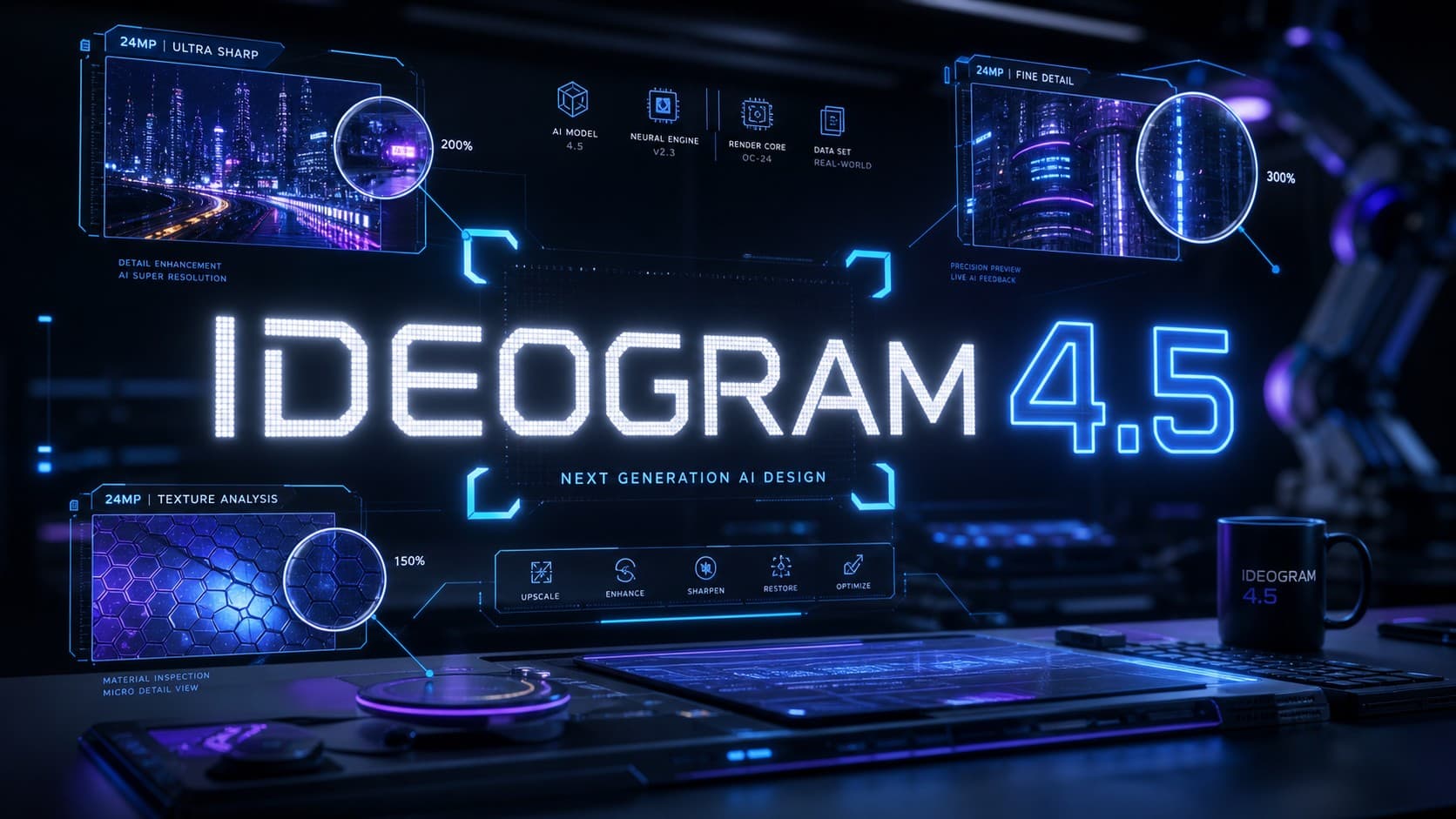
Ideogram 4.5: A New Generation of High-Precision Image Generation and Editing
On September 30, 2026, Ideogram officially released its latest flagship model, Ideogram 4.5, across its web platform and developer API. This release introduces Precise Edit, an architecture specifically engineered to address one of generative AI’s most persistent pain points: visual degradation and unwanted drift across iterative revisions. The model enables targeted alterations to specific regions of an image without distorting adjacent elements or degrading background fidelity.
Introducing Ideogram 4.5, the most precise edit model.
With each edit, leading models add artifacts, pixel shifts, and color changes. Ideogram 4.5 eliminates artifact buildup, making multi-turn editing possible.
Live in Ideogram, the API, and launch partners. Open weights soon. pic.twitter.com/cQZYfPBAw6
– Ideogram (@ideogram_ai) September 30, 2026
In this context, Ideogram 4.5 bridges native 2K image synthesis with deep multi-turn editing capabilities, significantly curbing shifts in color balance, pixel coordinates, and surface textures. This comprehensive guide examines the model’s core capabilities, pricing structure, step-by-step workflow, and performance benchmarks against competing industry models.
What Is Ideogram 4.5 and How Does It Work?
Ideogram originally distinguished itself in the generative AI landscape through its exceptional typography rendering, solving the persistent challenge of embedding accurate text inside generated graphics. With version 4.5, the platform expands its scope from initial prompt-to-image creation into full-cycle visual production and iterative editing.
The system operates along two complementary tracks: first, generating brand-new visual assets at native 2K resolution across four distinct quality tiers; second, executing localized modifications on existing imagery. This architecture allows designers to upload an existing visual asset and request targeted element swaps without regenerating the entire canvas from scratch, providing creative teams with granular control over their production pipeline.
How Does Precise Edit Work in Ideogram 4.5?
At the heart of version 4.5 is Precise Edit, an algorithm designed to eliminate what AI engineers call visual drift. In conventional diffusion models, requesting a minor localized modification often triggers unintended shifts across the entire canvas-altering facial features, shifting shadows, or re-rendering background textures.
By contrast, Ideogram 4.5 isolates and locks the untouched pixels outside the masked edit area. Creators select the target subject using a precision brush, input the modification prompt, and the model applies changes strictly within the specified boundary.
Furthermore, the architecture is optimized for multi-turn sessions. In practical production environments, achieving a final visual often requires five to ten sequential revisions. Ideogram 4.5 preserves color fidelity, lighting consistency, and material texture throughout repeated adjustment cycles without cumulative artifact buildup.
Editing Images at Resolutions up to 24.2 Megapixels
Ideogram demonstrated the model’s ability to manipulate high-resolution assets up to 4,016 × 6,016 pixels (approximately 24.2 megapixels). From a technical perspective, this does not mean the system synthesizes full 24.2 MP images in a single generation pass; rather, it uses an advanced crop-and-stitch workflow.
In this pipeline, the user isolates a specific crop within a high-resolution canvas. The model processes the designated crop independently while preserving edge alignment. Once generated, the edited segment seamlessly integrates back into the master image without visible seams, boundary artifacts, or loss of source resolution.
This technique serves commercial print workflows, packaging design, and high-end product photography, where maintaining sharp resolution and seamless blending is essential for large-format production.
Text Modification and Graphic Design Editing
Building on Ideogram’s established strength in typography, version 4.5 brings dedicated tools for modifying text layers directly inside rendered images without disrupting the overall layout or visual style.
Designers can correct typos, update marketing taglines, or swap copy in posters and packaging mockups while preserving the original font geometry, perspective, and lighting. Additionally, the system supports localized text translations within the artwork, maintaining typography consistency across global brand campaigns.
This capability provides substantial efficiency gains for advertising and localization agencies, allowing creative teams to maintain a single visual master asset while adapting copy across multiple target markets.
Top Use Cases for Ideogram 4.5
- Commercial Product Photography: Rapidly generate new colorways, swap material textures, and refine packaging details while keeping the studio lighting setup intact.
- Interior Design & Architecture: Adjust furniture, swap floor finishes, or test new paint schemes without altering spatial dimensions or natural light sources.
- Photo Restoration: Repair scratches, rebuild damaged segments, and enhance degraded archival photographs while preserving original facial likenesses.
- Sketch to Image: Transform rough concept sketches into fully rendered, production-grade visual assets.
- Reframing & Canvas Expansion: Extend image borders and introduce contextual visual elements that harmonize with the original composition.
- Style Referencing: Apply specific visual aesthetics from reference images; the developer API supports up to four concurrent style references per request.
Step-by-Step Guide to Editing Images with Ideogram 4.5
- Upload or Generate a Master Image: Start by uploading an existing high-resolution visual asset or generating a new concept at native 2K resolution on the platform.
- Define the Edit Region: Use the brush tool to apply a mask over the specific element you want to alter, ensuring tight coverage around the boundaries.
- Formulate the Text Prompt: Describe strictly the intended modification, avoiding redundant descriptions of the static background elements.
- Attach Visual References (Optional): Upload a style or object reference image to guide color accuracy and structural alignment.
- Execute and Iterate: Review the rendered result, with the flexibility to apply subsequent revision layers across different regions without degrading image quality.
Pricing Plans and API Costs
- Free Tier: Provides a weekly allocation of free generation credits for testing 2K image synthesis and editing under standard processing queue speeds with public visibility.
- Plus Plan: Priced at $15 per month (billed annually) or $20 monthly, offering priority processing queues and private generation options.
- Pro Plan: Available at $42 per month (billed annually) or $48 monthly, designed for high-volume creative professionals requiring large generation quotas and maximum processing speeds.
- Team & Enterprise Plans: Custom enterprise packages tailored for organizational scale, featuring centralized credit management and team collaboration permissions.
On the developer side, Ideogram’s official API documentation outlines a flexible pay-as-you-go pricing structure based on generation quality tiers at native 2K resolution, with costs ranging from 0.8 cents ($0.008) to 22 cents ($0.22) per image request depending on the compute profile selected.
Ideogram 4.5 vs. Nano Banana 2 and GPT Image 2.5
A direct comparison between Ideogram 4.5 and competing market models reveals distinct design philosophies. Models such as GPT Image 2.5 Sunburst and Nano Banana 2 perform exceptionally well in one-shot generation, delivering rich detail on the initial prompt. However, multi-turn testing reveals rapid visual degradation when executing iterative edits; backgrounds shift unpredictably and subject consistency diminishes after two or three sequential modifications.
Conversely, Ideogram 4.5 prioritizes compositional continuity and color stability across extended revision chains, whereas Nano Banana 2 frequently alters adjacent pixels during localized edits. This distinction positions Ideogram 4.5 as the preferred engine for iterative production pipelines that require multiple approval cycles, while competing models remain viable for single-pass conceptual ideation.
Performance Benchmarks: Official Claims vs. Independent Testing
Ideogram’s official benchmarks showcase version 4.5 outperforming GPT Image 2.5 Sunburst, Nano Banana Pro, and Nano Banana 2 across multi-step revision sequences, demonstrating minimal artifact buildup compared to the rapid degradation seen in rival outputs. These published side-by-side examples reflect the company’s internal evaluation criteria.
Corroborating these claims, an independent benchmark published by tech analysis publication Quantslant subjected the model to a 10-turn consecutive edit test across complex scenes. The evaluation recorded a 95% pixel-preservation rate (SSIM 0.95) in untouched regions alongside robust prompt adherence across 57 distinct test prompts. This alignment between independent testing and official data highlights that Ideogram 4.5’s primary strength lies in controlled multi-turn revisions rather than isolated first-round generations.
Where Is Ideogram 4.5 Available Now?
Ideogram 4.5 is currently accessible directly via the official Ideogram web platform, iOS app, and through the developer API suite.
In addition, graphic design platform Recraft announced upcoming integration for Ideogram 4.5 within Recraft Studio, enabling creators to synthesize assets using their preferred models and import them into Ideogram 4.5 for high-precision surgical edits.
Looking ahead, Ideogram has outlined plans to release downloadable open weights for version 4.5. While an exact launch timeline has not been finalized, an open-weight release will enable local deployment and fine-tuning across the broader open-source AI community.
What Does Ideogram 4.5 Offer to Designers and Creators?
Ideogram 4.5 marks a transition for generative AI from speculative concept generation to reliable, production-ready image editing. The platform’s true value lies in preserving fine details throughout repeated revisions-whether updating product colorways, executing multilingual advertising campaigns, or restoring archival imagery.
As a result, Ideogram 4.5 stands out as a highly practical tool for graphic designers, creative agencies, and digital marketers seeking workflow flexibility without the time sink of rebuilding complete designs over minor revision requests.
Frequently Asked Questions About Ideogram 4.5
Is there a free trial or free version of Ideogram 4.5?
Yes, Ideogram provides all registered accounts with a recurring weekly allocation of free credits to generate and edit 2K images directly through the web platform.
How does Precise Edit differ from traditional AI inpainting?
Precise Edit specifically minimizes accumulated drift in color palettes, pixel structures, and textures across sequential revisions, locking non-masked areas to prevent background distortion.
Can Ideogram 4.5 generate 24.2-megapixel images in a single pass?
The model generates native images up to 2K resolution in a single pass. For 24.2 MP assets, it utilizes a crop-and-stitch technique that edits localized regions within high-resolution files and re-integrates them seamlessly.
Can Ideogram 4.5 edit text inside existing designs?
Yes, the model features advanced typography editing, allowing users to modify words, fix spelling errors, or translate copy while preserving the original font style, perspective, and lighting.
Does Ideogram 4.5 support multilingual prompts and non-Latin text?
Ideogram 4.5 understands prompts across various global languages using natural language processing and its built-in Magic Prompt tool. For in-image typography, it renders Latin alphabets with industry-leading precision and supports short phrases or headlines in non-Latin scripts, though complex ligatures and long passages in non-Latin text may still encounter occasional layout constraints.
How much does the Ideogram 4.5 API cost?
API pricing ranges between $0.008 (0.8 cents) and $0.22 (22 cents) per image request across four selectable quality tiers at native 2K resolution.
Are Ideogram 4.5 model weights available for download?
Ideogram has announced plans to release open weights in the future; currently, access is available exclusively through the hosted cloud platform and developer API.