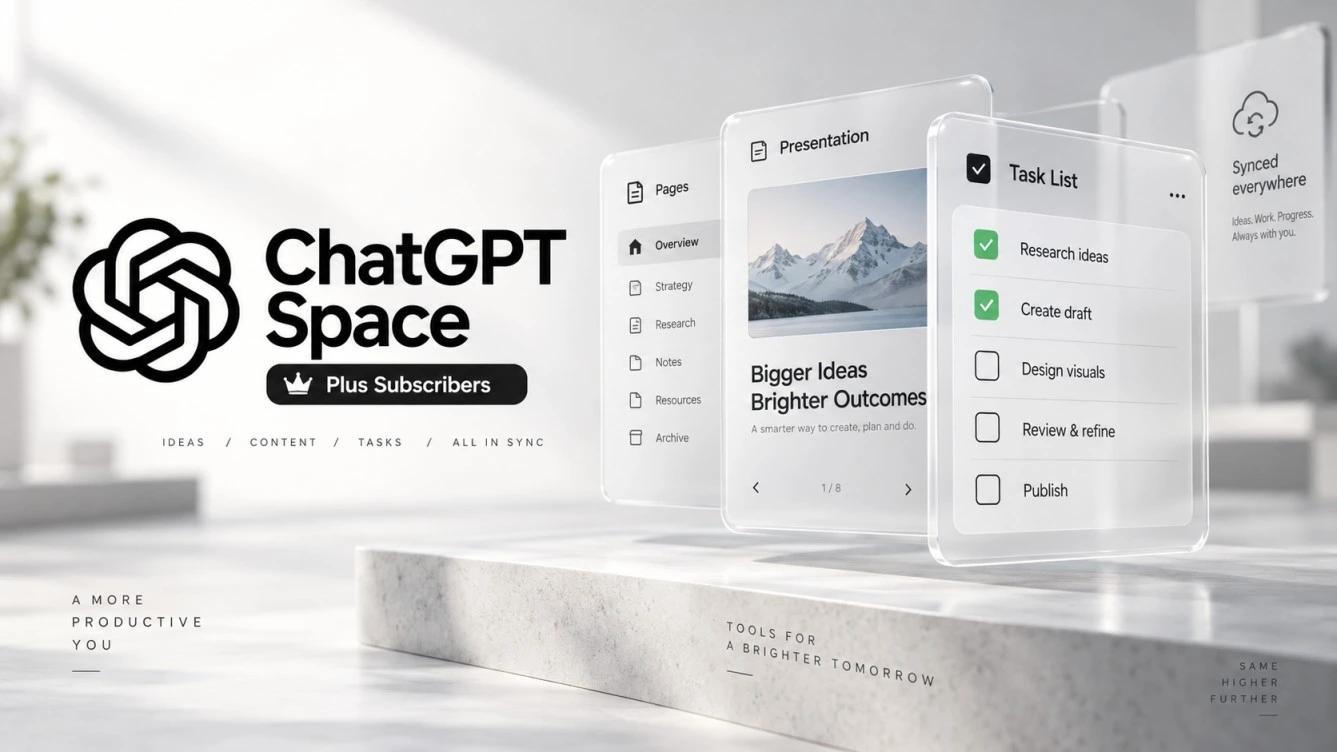
OpenAI Rolls Out ChatGPT Space to Plus Users Worldwide
OpenAI has begun rolling out ChatGPT Space to Plus subscribers worldwide, expanding access to its collaborative workspace inside ChatGPT after initially limiting the feature to Pro, Business, and Enterprise plans. The update enables users to build interactive pages and presentations, collaborate with others in real time, and connect their content to supported external apps for automatic updates.
The gradual rollout started on November 20, 2026, for eligible Plus subscribers aged 18 and older. Space supports content creation and editing across the web, desktop, and mobile apps, subject to specific sharing and access rules.
What Is ChatGPT Space?
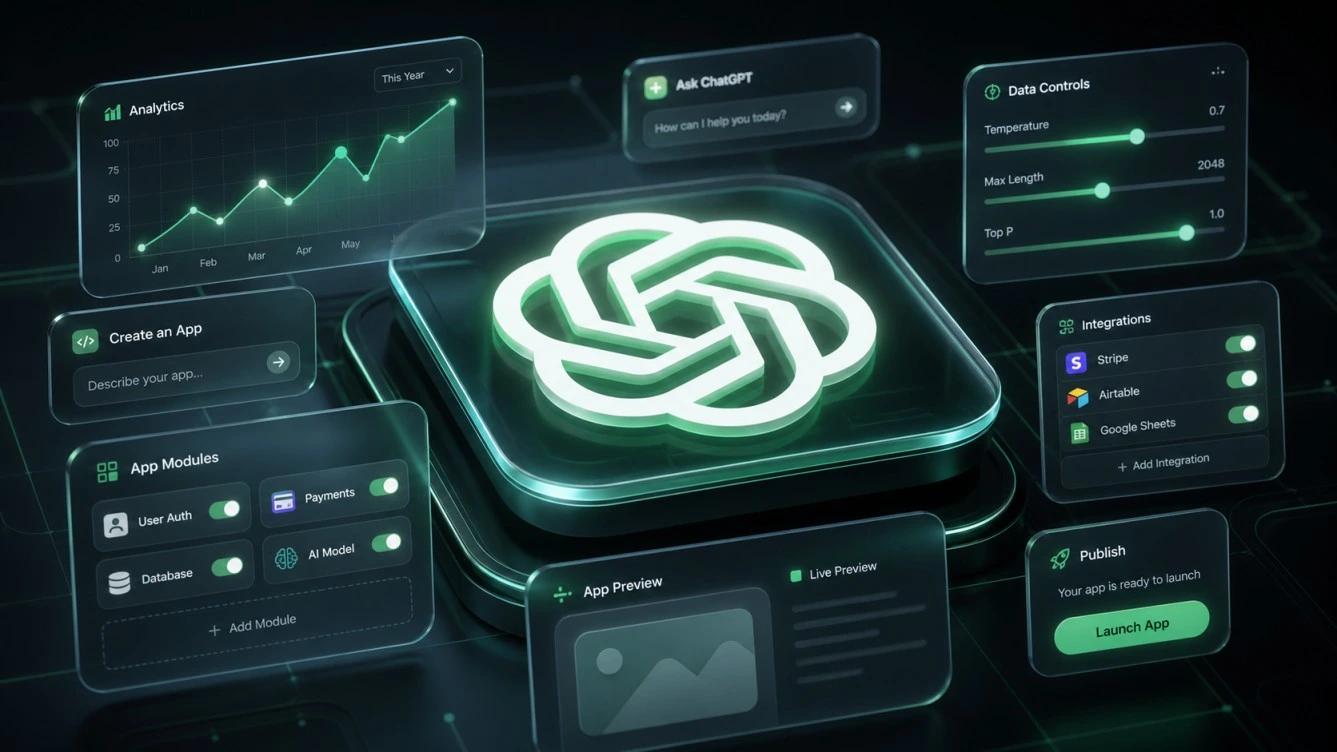
ChatGPT Space brings pages, files, presentations, and related materials for a single project together inside a unified workspace within ChatGPT. Rather than leaving work scattered across separate conversations and documents, users organize all project elements in one place and continue developing them with AI assistance.
Content inside this workspace starts from ongoing conversations or pre-built templates, allowing users to edit text and insert charts or interactive elements. The system lets users request direct revisions to any part of a page or presentation, review instant updates, and keep building on them.
Space goes beyond the standard ChatGPT chat interface by offering live documents designed for continuous editing, sharing, and group collaboration rather than simple message exchanges, while keeping previous chats and projects isolated from the new workspace.
Key Space Capabilities for Plus Subscribers
Plus subscribers receive a complete set of tools to create, organize, and co-edit content, including the ability to invite other users who have Space access to work on the same project. Collaborators edit pages and leave comments through their own ChatGPT accounts, and users can mention ChatGPT directly inside any comment to request specific edits-such as rewriting a paragraph, adding a chart, or updating a presentation slide.
The feature also connects pages and presentations to supported apps and external tools linked to the account, ensuring content stays automatically updated with data from those sources without manual intervention. In its official documentation, OpenAI highlights several practical uses for this integration, including task lists that update automatically as data changes, interactive study guides featuring explorable 3D models, and project plans that stay current based on decisions recorded in Slack.
The workspace additionally supports collaboration with Dot when the feature is available on a user’s account, allowing owners to invite Dot into the page. This capability depends on prior Dot availability, and receiving Space on a Plus subscription does not automatically grant Dot access to all subscribers.
ChatGPT Space Access and Sharing Rules
Availability is expanding progressively among eligible Plus subscribers worldwide, meaning the feature may not appear immediately in every account. Once activated, Space appears in the ChatGPT sidebar, replacing Library as the primary hub for pages, presentations, images, and uploaded files.
Sharing and opening content follow strict access controls; viewing a shared page or presentation requires explicit viewing permission and signing in to a paid Plus, Pro, Business, or Enterprise account with Space enabled. By contrast, Free plan users cannot open shared pages or presentations even if they receive a direct invitation, and Space does not support public links that allow access without signing in to an eligible account.
On the privacy front, sharing permissions remain strictly tied to the shared content itself. Inviting someone to collaborate on a page does not grant them access to the account owner’s private conversations or personal memory; collaborators only see the materials added to that specific page according to their assigned permissions.
ChatGPT Space vs. Library and Projects
Space consolidates pages, files, and project-related work into a single collaborative environment for team editing and development, whereas Library previously served solely to store and manage saved files and generated images-a role Space now completely replaces on enabled accounts.
Conversely, Projects remain entirely separate from Space. Users continue working inside their existing projects along with their associated conversations, files, and custom instructions, meaning the arrival of Space neither automatically migrates older projects into the new workspace nor disrupts their ongoing use.
How ChatGPT Space Works and Platform Availability
Using the feature begins by selecting Space from the ChatGPT sidebar, where the interface offers options to create a workspace for a new project, start directly with a blank page, convert an existing conversation into an interactive page, or pick a ready-made template. Users then attach files and reference materials, refine the page or presentation with ChatGPT, and invite collaborators with Space access to edit and comment.
All page creation, editing, and sharing capabilities are available across the web browser, desktop applications, and ChatGPT mobile apps on iOS and Android, giving Plus subscribers a synchronized workspace across devices once the rollout reaches their accounts.