MiniMax H3 Image: 4K AI Image Generation and Editing with 16 Reference Images
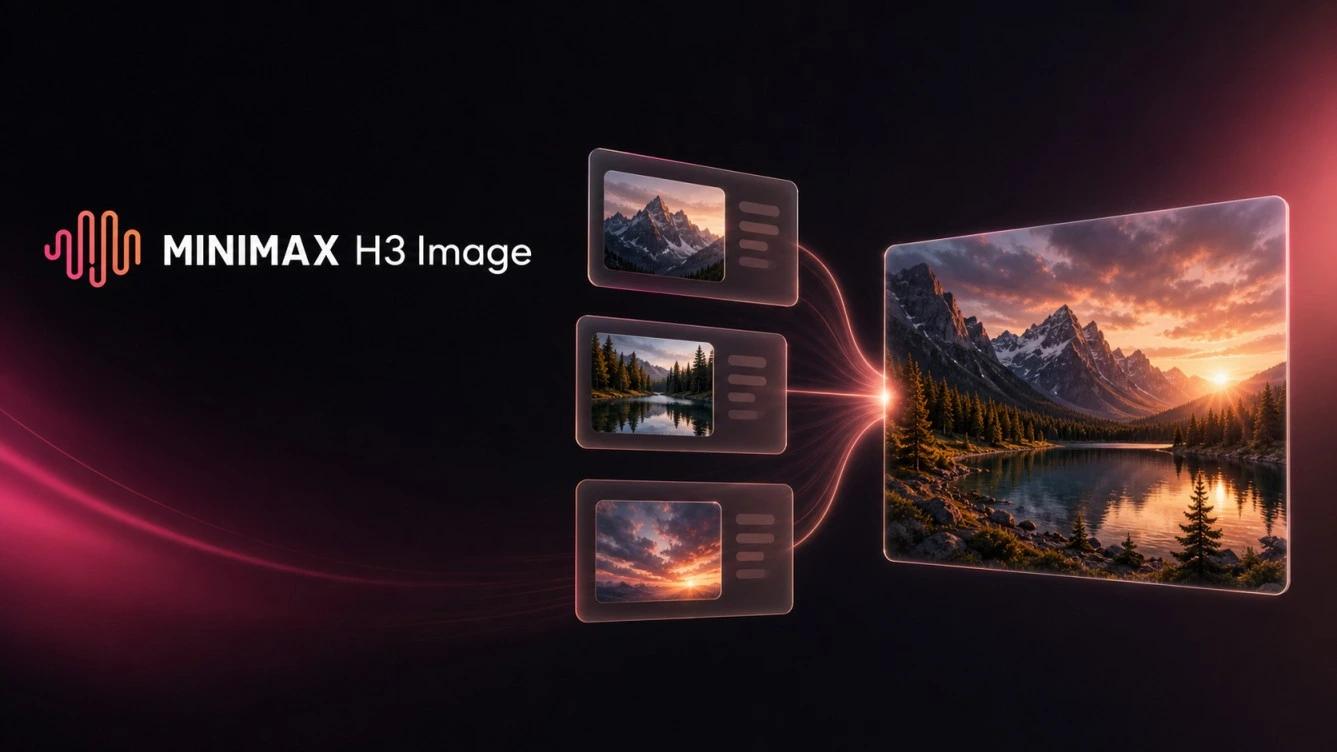
MiniMax H3 Image is an AI image generation and editing model released on November 11, 2026. It creates images at around 16 megapixels in standard output and up to 20 megapixels via custom API requests, while supporting up to 16 reference images in a single prompt. Built around a six-step generation process, the model is available through Hailuo AI, Hugging Face, MiniMax Code, and API providers.
4K image generation in 10 seconds! ⚡
Meet MiniMax H3-Image.
16 million pixel resolution. Stunning realism. Precise prompt following & editing. Up to 16 reference images. All in 10 seconds.
And it’s open-weight. 🚀
Available now via our API, MiniMax Code, and Hailuo AI – with… pic.twitter.com/ZLprDpzpv5
– MiniMax (official) (@MiniMax_AI) November 10, 2026
What Is MiniMax H3 Image?
Developed by Chinese AI company MiniMax, this model belongs to the H3 family and focuses strictly on still images rather than video generation. Its core advantage is unifying text-to-image creation and image editing in one architecture, removing the need to switch between separate tools for each task.
MiniMax has also published the model weights on Hugging Face, giving developers the option to inspect its architecture and deploy it directly within their own infrastructure.
Key Features
4K Generation at Up to 20 Megapixels
The model generates high-resolution visuals directly without relying on an external upscaler, supporting square outputs up to 4096×4096 pixels. Documented aspect ratios include:
- 4096×4096 pixels for square images.
- 4736×3552 pixels at a 4:3 aspect ratio.
- 5024×3360 pixels at a 3:2 aspect ratio.
- 5472×3072 pixels at a 16:9 aspect ratio.
- 6272×2688 pixels at a 21:9 aspect ratio.
These dimensions suit posters, ads, and wide layouts while preserving detail when cropping. Through the API, custom sizes span from 655,360 pixels to 20 million pixels across aspect ratios from 1:3 to 3:1, generating up to 10 images per request in PNG, JPEG, or WebP. Because smaller outputs like 1K or 2K may be generated at a larger scale and downscaled, direct 4K generation showcases its strongest quality.
Text-to-Image and 16-Image Reference Editing
The model handles both simple prompts and detailed scenes describing lighting, colors, and spatial relationships between subjects. In editing mode, users can upload a reference image and instruct it to swap backgrounds, add objects, or place products into new environments.
Supporting up to 16 reference images in a single request makes multi-element compositions straightforward. For example, a designer can upload an empty room alongside separate furniture photos and reference each image in order using tags such as <Picture 1> and <Picture 2>:
Place the armchair from <Picture 2> in the room from <Picture 1>
This workflow fits multi-product advertisements, consistent character designs built from separate references, and placing items into varied marketing settings.
Six-Step Generation Speed
An optimized diffusion architecture completes generation in just six sampling steps, cutting computational overhead. While MiniMax advertises generation times under 10 seconds in Highspeed mode, official benchmark data reports a median latency of 16 seconds in Standard mode and 10.3 seconds in Highspeed mode at 4096×4096 resolution. Actual API latency varies with server load, image size, and network conditions.
Prompt Controls and Editing Constraints
- No negative prompts or mask-based inpainting: Because the model operates at a fixed CFG = 1 and six steps, it does not support Negative Prompts or masked editing. Prompts should describe what to include rather than what to exclude.
- Token truncation limit: Although the API accepts up to 32,000 characters, only the first 4,096 tokens are processed. Key instructions should therefore appear near the start of the prompt.
- Automatic prompt enhancement: Prompt Enhancement runs automatically during reference-based editing, whereas it remains optional for text-to-image generation.
How the Model Works
Built on a Diffusion Transformer architecture with 33.1 billion parameters for image synthesis, the system uses the Qwen3-VL text encoder to interpret text prompts and visual references before a VAE component decodes the internal representation into a viewable image.
MiniMax also released H3-Image-PE, a 17.9 GB prompt-expansion model based on Qwen3.8-27B (compared with 68.65 GB for the main image weights). It expands brief prompts for text-to-image tasks only, while the cloud API relies on H3-Image-Context-IR for prompt expansion.
Practical Use Cases
Designers, online retailers, and content creators commonly use this workflow for:
- Advertising and posters: High-resolution marketing layouts featuring specific products and visual assets.
- Product photography: Alternative scenes and backgrounds without organizing new studio shoots.
- E-commerce visuals: Multi-aspect product images that retain consistent item details.
- Character design: Consistent outfits, facial details, and styling across multiple references.
- Illustrations: Custom visuals for articles, presentations, and creative projects.
- Image editing: Adding furniture or objects while preserving surrounding elements.
- Video scene preparation: Creating detailed 4K keyframes to animate with the MiniMax H3 video model.
Ways to Access and Use It
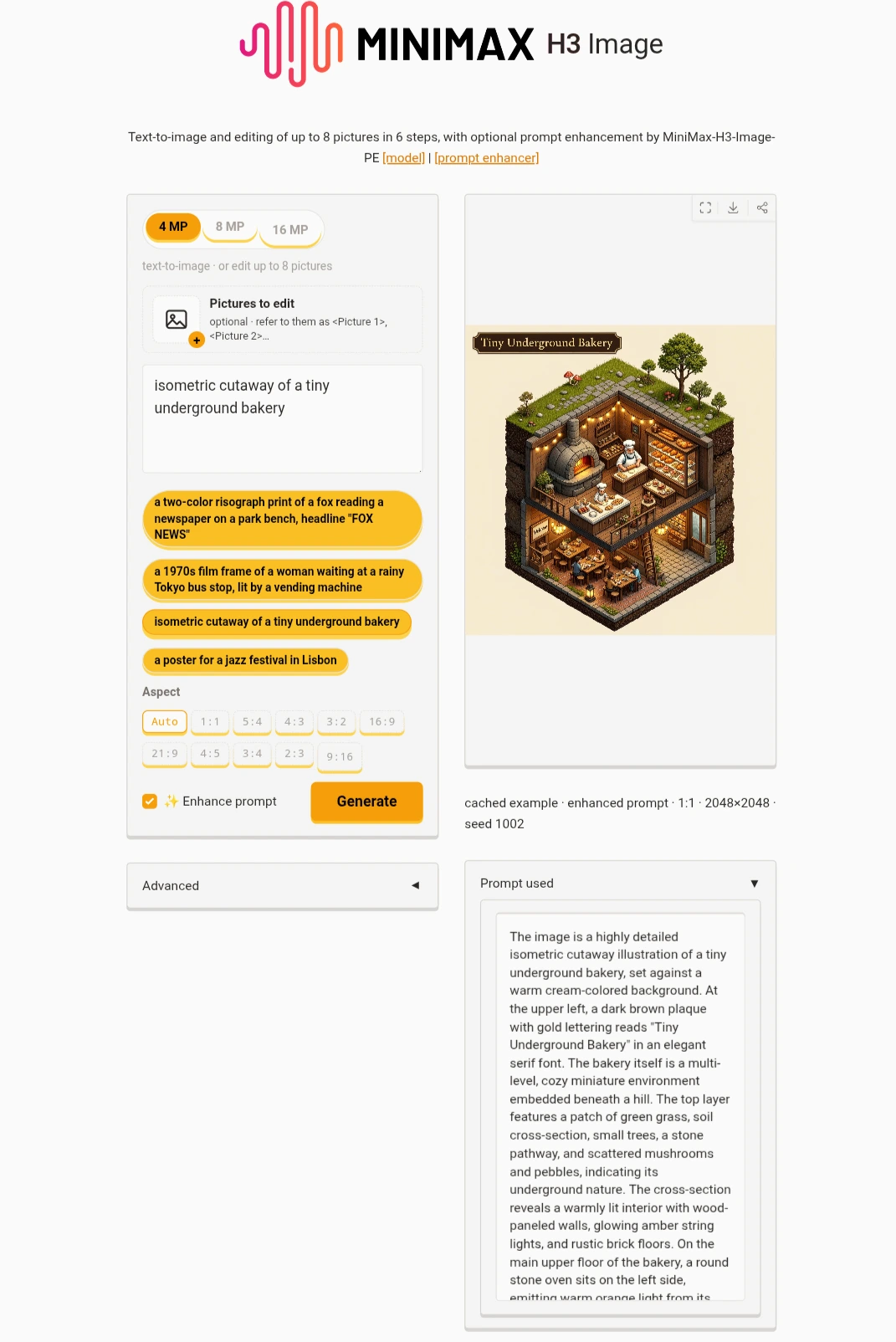
The easiest way to test the model without local setup is through the MiniMax H3 Image tool on Hailuo AI. Users can sign in, enter a prompt, or upload reference images with numbered tags for editing tasks, then review and save the result.
Additional access options include:
- Hugging Face Spaces: Try the live web demo free of charge with support for up to eight reference images.
- MiniMax Ecosystem: Access via MiniMax Code or the official OpenAI SDK-compatible API.
- Third-party platforms: Hosted endpoints on fal.ai, OpenRouter, each::labs, and Runware.
- ComfyUI: Partner nodes and supported local workflows.
API Pricing and Discounts
API pricing scales with resolution and generation mode. Text-to-image costs per generated image are as follows:
| Image Resolution | Standard | Highspeed |
|---|---|---|
| 1K | $0.02179 | $0.03529 |
| 2K | $0.02333 | $0.03622 |
| 4K | $0.06879 | $0.13001 |
MiniMax announced a 50% launch discount on outputs of 16.6 megapixels or higher until November 17, 2026, at 16:00 UTC, lowering 4K costs to $0.03439 in Standard mode and 0.06501 in Highspeed mode. Reference editing costs slightly more-0.07312 for one reference and $0.07914 for three references in 4K Standard mode (also halved during the launch window).
To optimize costs, users can preview prompts at 2K or in Highspeed mode before rendering final 4K assets in Standard mode. Note that these rates apply only to the official API; Hailuo AI and third-party platforms set independent credit systems.
Local Deployment and Licensing
The weights are hosted on Hugging Face under MiniMaxAI/MiniMax-H3-Image with support for Diffusers, SGLang, vLLM-Omni, and ComfyUI. Running the full model locally requires 68.65 GB for the image weights plus 66.7 GB for the text encoder, limiting complete deployment to high-VRAM professional GPUs.
For consumer hardware, Comfy-Org released a pruned variant alongside community-compressed GGUF, FP8, and 4-bit versions ranging from 6.88 to 14.1 GB. Supported in ComfyUI 0.45.0 and newer, these builds run on 8-16 GB VRAM GPUs via system RAM offloading, though with slower 4K generation speeds.
Licensing Restrictions
The model uses the MiniMax Community License, which excludes the United States, European Union, United Kingdom, and South Korea, and requires prior written approval for annual revenue exceeding $1 million or third-party hosted services. It also bans using outputs to train other AI models and requires public AI-generation disclosure. Cloud API and third-party users follow each platform’s terms of service.
Verdict: Strengths and Limitations
This release stands out for designers and creators needing native 4K output, multi-reference compositing, and 4K keyframes for MiniMax H3 video workflows, as well as developers seeking open weights or API access. Key drawbacks include heavy hardware demands for the full weights, lack of transparent backgrounds, weaker text rendering outside English and Chinese, and occasional facial-likeness drift across multiple references.
MiniMax H3 Image vs. Seedream 5.5 and GPT Image 2.6
| Feature | MiniMax H3 Image | Seedream 5.5 | GPT Image 2.6 |
|---|---|---|---|
| Maximum resolution | 16-20 MP, with direct 4K output | 1K-2K, up to 3K on some platforms | Up to 4K; 1024px for SVG |
| Reference images | Up to 16 images | Up to 10 images | Multiple references |
| Transparent backgrounds | Not supported | Supported (Alpha PNG) | Supported (transparent PNG, SVG, and GIF) |
| Open weights | Available, with license restrictions | Closed, cloud-based | Closed, cloud-based |
Frequently Asked Questions
Is MiniMax H3 Image free?
No, though users get free welcome credits on Hailuo AI and a free demo on Hugging Face Spaces. Weights are free to download under the license terms, while API usage is billed per image.
Can it generate 4K images?
Yes. It outputs square images at 4096×4096 pixels and other aspect ratios up to around 16 megapixels by default, or up to 20 megapixels via custom API settings.
Does it support image editing?
Yes, it combines generation and reference editing in one model, using numbered tags to address multiple uploaded images.
How many reference images does it support?
The official model supports up to 16 reference images per request, while demo interfaces like Hugging Face Spaces cap uploads at eight.
Can MiniMax H3 Image run locally on a PC?
Yes, though the full 135+ GB weights require workstation GPUs. Compressed GGUF variants run in ComfyUI on 8-16 GB VRAM consumer cards at slower speeds.