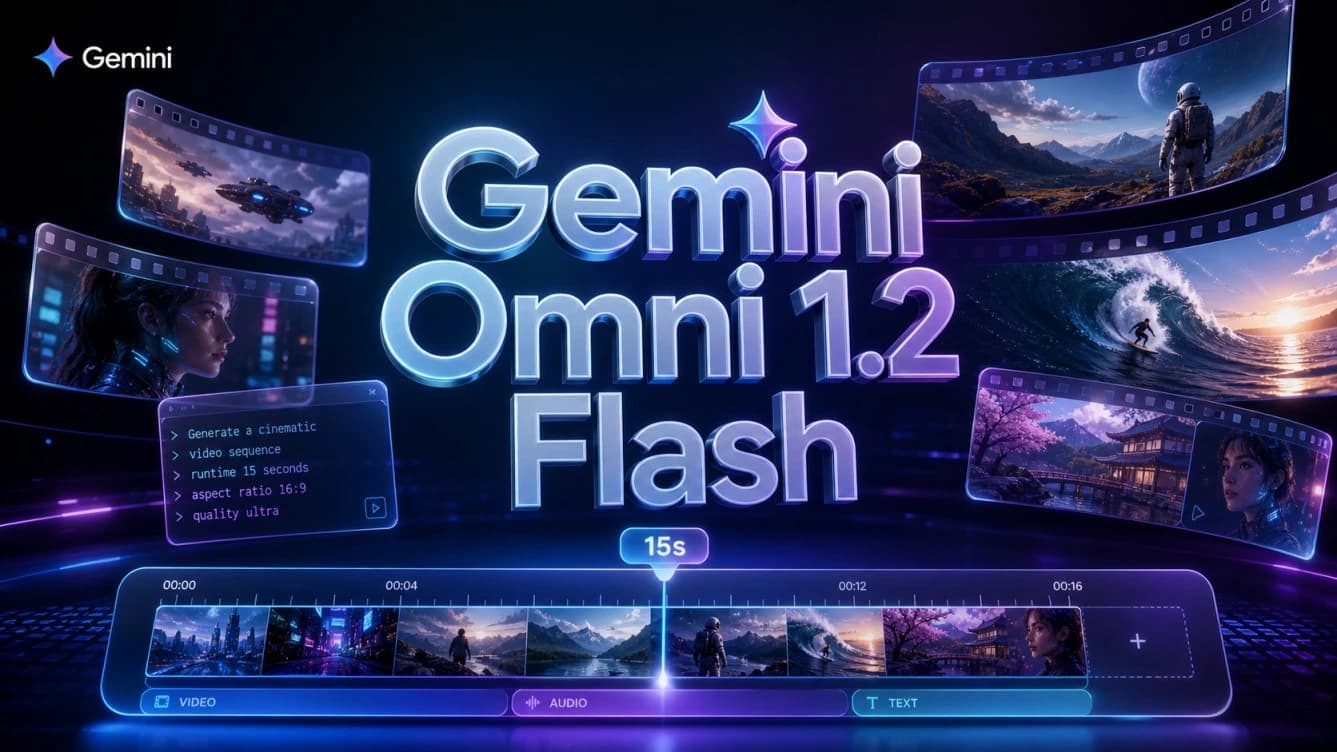
Google Launches Gemini Omni 1.2 Flash With 15-Second Videos
Google announced Gemini Omni 1.2 Flash on November 5, 2026, introducing an updated version of its AI video generation and editing model. The release raises the maximum video length from 10 to 15 seconds, improves consistency across characters and products, and brings upgrades to dialogue, camera movement, and conversational editing. Google has also reduced generation costs by 30% compared with Gemini Omni 1.1 Flash.
Meet Gemini Omni 1.2 Flash, our updated video generation model from @GoogleDeepMind 🎬
Get stronger consistency, more creative control, and faster, more cost-effective video creation at scale:
⚡ Fast & 30% lower cost: Draft at 360p or 720p ($0.07/s) and upscale to 1080p or 4K… pic.twitter.com/vBoyjdKHlg
– Google (@Google) November 5, 2026
The update focuses on making AI video production more practical for creators, developers, and businesses. Longer clips give users more room to build complete scenes, while improved reference handling helps preserve visual details throughout a video. The model also supports successive edits through text instructions, allowing users to refine an existing clip instead of generating it again from scratch.
Gemini Omni 1.2 Flash Generates Videos Up to 15 Seconds
One of the biggest changes in Gemini Omni 1.2 Flash is its extended video duration. Google has increased the maximum output from 10 seconds in version 1.1 to 15 seconds in the new release. Users can choose a duration between three and 15 seconds, with adjustments available in one-second increments.
The additional five seconds give creators more room to develop a scene within a single generation. A short advertisement, for example, can introduce a product, show its features, and deliver a closing message without splitting the concept into several separate clips. The same applies to product demonstrations and short narrative videos that need a clear beginning, progression, and ending.
This change is particularly relevant to social media content and digital advertising. Brands often need short videos that communicate a product’s value within a limited amount of time. Generating a longer scene as one clip can also reduce the editing work required to combine separate outputs, where differences in lighting, character appearance, or object placement can become noticeable.
The duration increase also applies to video editing. Gemini Omni 1.2 Flash can work with clips of up to 15 seconds, giving users more room to revise a scene after its initial generation.
Better Character and Product Consistency
Google has placed significant emphasis on how the model follows visual and audio references. Gemini Omni 1.2 Flash accepts reference images of characters and products, short motion clips of up to three seconds, and audio cues to guide video generation.
Reference accuracy is important when a video needs to feature a specific person or a product with a recognizable design. AI-generated videos can sometimes introduce unwanted changes as a scene progresses, such as altered facial features, different clothing details, or inconsistencies in a product’s appearance. The latest version improves its ability to preserve these elements across camera angles and successive shots.
Google highlights several details that the model is better at maintaining, including facial features, clothing designs, text printed on product packaging, and brand colors. These improvements are particularly useful for marketing and e-commerce, where visual consistency matters. Businesses can use product images to create videos from different angles while keeping packaging and brand identity recognizable.
Google demonstrated this capability with a 15-second virtual clothing try-on video. The example used an image of a person alongside three sets of clothing images. The generated video maintained the person’s identity and clothing details as the scene moved, showing how the model can combine multiple visual references in a single output.
The update also improves consistency across objects and backgrounds. Google has worked to reduce unwanted visual changes during movement and camera transitions, helping scenes retain their details as the video progresses or moves between keyframes.
Edit AI Videos Through Conversational Instructions
Gemini Omni 1.2 Flash introduces a more flexible editing workflow built around successive text instructions. Instead of generating an entirely new video whenever one element needs to change, users can continue working on the existing clip and request specific adjustments.
Supported edits include changing the background, replacing a product, adjusting lighting or weather, modifying the video’s aspect ratio, and changing the camera angle. The model applies the requested changes while preserving other elements that are not part of the instruction.
For example, a user could generate a product advertisement set inside a store, then ask the model to move the scene outdoors. Further instructions could adjust the lighting or camera position while keeping the product and the main action intact. This approach reduces the need to rewrite the original prompt for every revision and can limit the number of generation attempts required to produce a finished video.
The workflow is also useful for businesses that need multiple versions of the same advertisement. A marketing team might want to place a product against different backgrounds or prepare variations with different aspect ratios for social platforms. Conversational editing makes those changes part of the same production process rather than requiring the team to rebuild each version from the beginning.
Improved Dialogue, Voice Direction, and Camera Movement
Google has also updated the model’s audio capabilities. Gemini Omni 1.2 Flash produces more natural dialogue and improves lip synchronization, making the relationship between spoken words and character movements more convincing.
The model handles scenes with multiple speakers more effectively as well. Users can direct different voices to the appropriate characters, which is useful for short conversations, character-based advertisements, and explanatory videos featuring more than one speaker.
Camera control is another focus of the release. Google has improved the model’s handling of continuous camera movements, including FPV-style shots, gradual pullbacks from close-ups to wide views, and movements that circle around objects or buildings.
These controls help create scenes with more connected movement instead of abrupt transitions between shots. Google has also worked to reduce unwanted jump cuts and maintain more consistent object sizes as the camera moves. The improvements are relevant to product showcases, architectural videos, and short cinematic sequences where camera movement plays an important role in how the scene is presented.
Gemini Omni 1.2 Flash Pricing: 30% Lower Generation Costs
Alongside the improvements to video quality and duration, Google has reduced the model’s generation price by 30% compared with Gemini Omni 1.1 Flash.
The announced rate is $0.07 per second for 720p video. At that price, a 10-second clip costs approximately $0.70, while a 15-second video costs $1.05 at the same resolution.
The lower rate can make a meaningful difference for projects that require large numbers of video generations. Advertising campaigns often need several variations of a clip, while e-commerce businesses may need videos for hundreds of products. In these workflows, reducing the cost of each generated second can lower the overall production budget.
Google also offers a workflow that helps users control spending during the creation process. They can generate an initial draft at 360p or 720p, review the result, and make the necessary edits before upscaling the preferred version to 1080p or 4K.
This allows users to reserve higher resolutions for the versions they intend to keep, rather than spending more on every early experiment. Combined with conversational editing, the process can reduce unnecessary full-video generations when only a small part of a scene needs to change.
Where Is Gemini Omni 1.2 Flash Available?
Google has released Gemini Omni 1.2 Flash through the Gemini API and Google Cloud. Developers can access the model through Google AI Studio and Google Cloud to build applications and services that use AI video generation and editing.
The API supports video generation of up to 15 seconds, with controls for duration and resolution. Developers can also modify generated results through text instructions, making the model suitable for applications that include video creation as part of a broader workflow. Google Cloud provides access for enterprise projects that need to integrate these capabilities into their services.
The model is also reaching Google’s own products, including Flow, Google Vids, and Google Ads. Google has started rolling out video generation powered by Gemini Omni 1.2 Flash in the Gemini app for Google AI Ultra subscribers.
Google Vids offers another route for users who want to create short videos without working directly with an API. According to Google’s announcement, users can generate clips of up to 15 seconds without additional charges through both personal accounts and Google Workspace accounts.
Videos generated with the model include an invisible SynthID watermark. Google’s technology helps identify content created using its AI tools, even though the watermark is not visible during normal playback.
What Gemini Omni 1.2 Flash Means for AI Video Creation
Gemini Omni 1.2 Flash brings together four major changes: 15-second video generation, better consistency for characters and products, conversational video editing, and a 30% reduction in generation costs.
Together, these updates address several practical requirements in AI video production. Longer clips provide more room for complete scenes, improved reference handling helps preserve important visual details, and successive editing instructions give users more control over the final result. Lower pricing also makes repeated generation more affordable for projects that produce content at scale.
The model’s availability through Gemini API, Google Cloud, and Google’s consumer and business applications extends these capabilities to developers, creators, and companies. With generation and editing handled within the same workflow, Gemini Omni 1.2 Flash gives users a more flexible way to produce advertisements, product videos, marketing content, and social media clips.