Gemini Omni 1.1 Flash by Google: 4K Video, Precise Controls, and Scene Extensions up to 40 Seconds
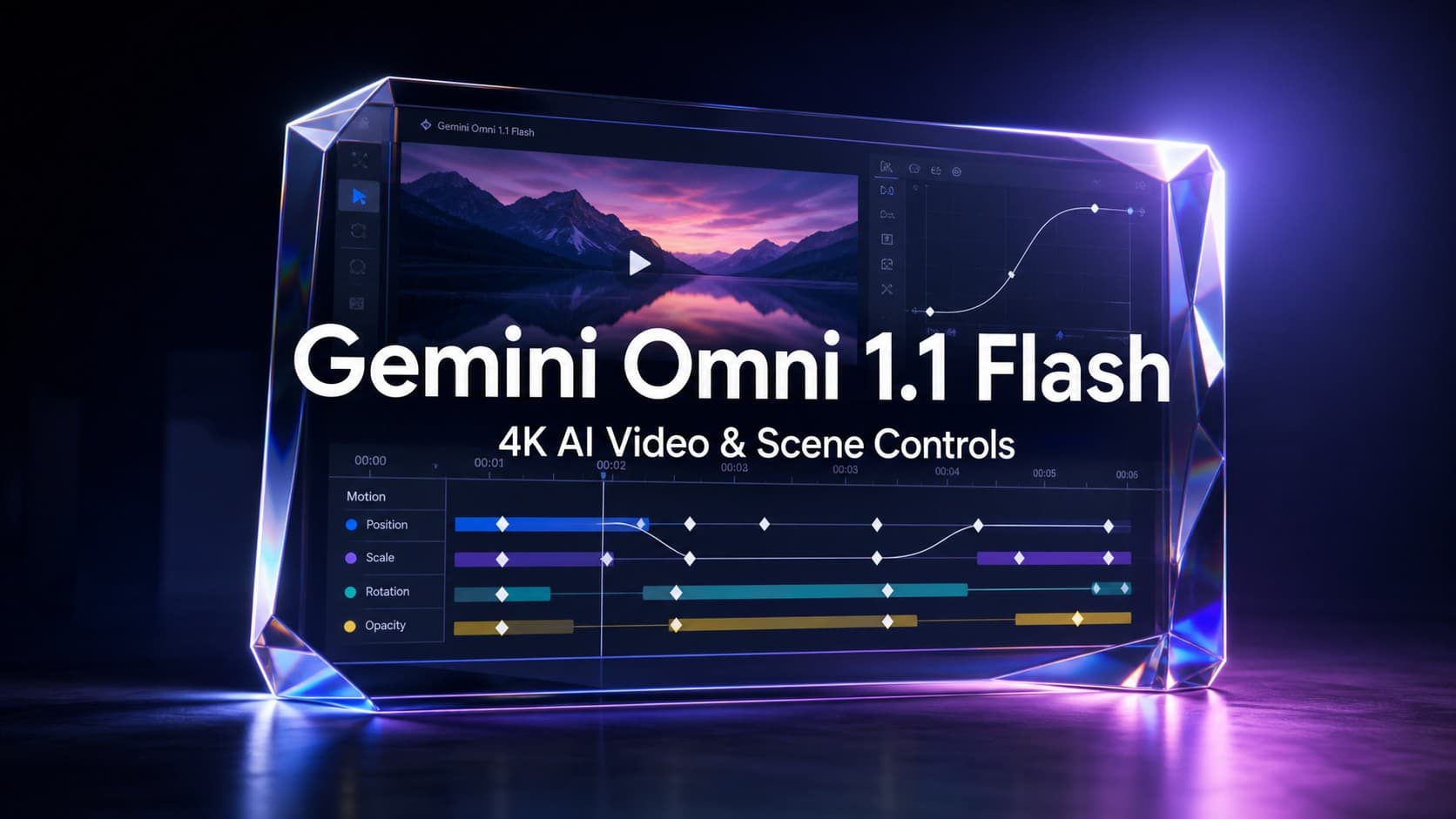
Google has officially introduced Gemini Omni 1.1 Flash, delivering an updated suite of creative controls and generative video capabilities designed for developers, technical creators, and media editing platforms. Released for production use through the Gemini API in Google AI Studio and the Gemini Enterprise Agent Platform, the model focuses on practical workflow enhancements, including extended scene generation, keyframe camera interpolation, 4K upscaling, and low-resolution draft previews.
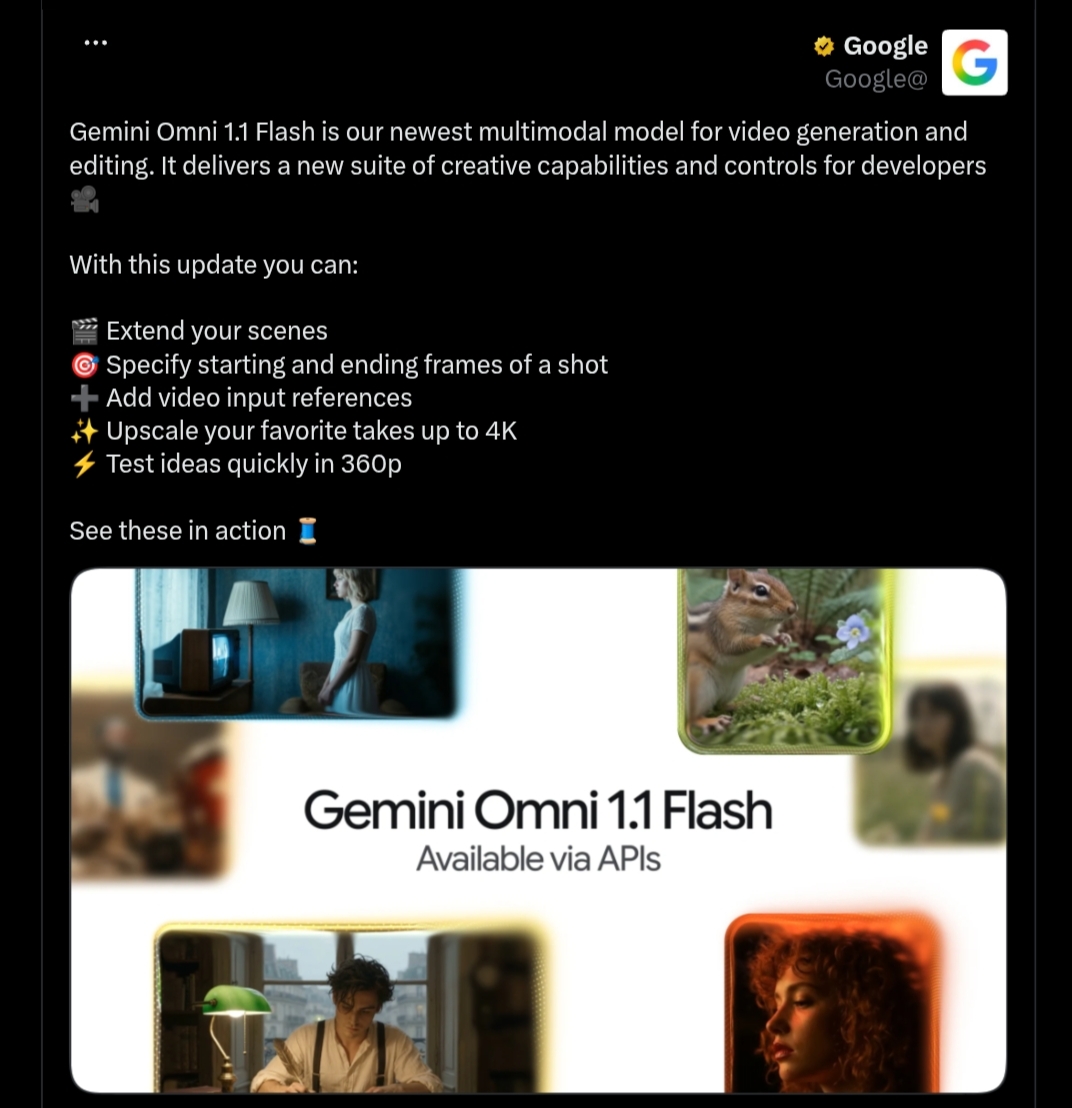
The update marks an important shift toward controllable, iterative video creation, helping developers integrate generative video into editing software, automated pipelines, and creative design tools with improved consistency and cost efficiency.
Bridging the Gap Toward Controllable Generative Video
Generative AI video models have often faced criticism for unpredictable camera trajectories, drifting character details, and the inability to direct complex sequences across time. Gemini Omni 1.1 Flash addresses these challenges by moving beyond simple one-off text prompts toward structured directability.
By pairing spatial understanding with multimodal input support, Omni 1.1 Flash allows creators to define camera paths, preserve visual context across longer takes, and prototype scenes efficiently before committing to full-resolution renders.
Scene Extension: Extended Storytelling up to 40 Seconds
The Scene Extension feature in Omni 1.1 Flash allows users to take an existing video clip and continue generating new footage seamlessly from where the original shot ended. A key architectural improvement is the model’s context window: Omni 1.1 can analyze up to 10 seconds of prior video context, a notable increase over earlier models that only referenced the final second.
Key Technical Capabilities:
- Improved Visual Consistency: Analyzing 10 seconds of previous context preserves lighting, background continuity, and subject details more effectively across narrative transitions.
- Flexible Incremental Duration: Users can extend a scene by 3 to 10 seconds per generation, with repeated extensions reaching up to 40 seconds in total cumulative length.
- Narrative Branching: Creators can take a single established scene and branch it into multiple storylines or camera perspectives without restarting generation.
Developers can invoke scene extensions via the official google-genai SDK by passing the previous_interaction_id alongside new continuation instructions in their API payload.
Keyframe Interpolation: Guiding Camera Transitions Between Start and End Frames
Omni 1.1 Flash introduces the ability to specify the starting and ending frames of a shot. The model generates continuous video between these two keyframes, providing developers and animators with direct control over camera movements and object trajectories.
Cinematographic Applications:
- Controlled Camera Orbits: Generating continuous orbital rotations around a subject while maintaining geometric depth and perspective.
- Smooth Zoom and Pan Transitions: Moving between wide angles and close-up views without jarring jump cuts.
- Seamless Looping Clips: Aligning the start and end frames to produce uninterrupted loops suitable for interactive web design, background visuals, and social media media assets.
Cost-Effective 360p Previews for Rapid Prototyping
Iterating on generative video prompts in high resolution can quickly increase compute costs. To streamline the creative process, Google introduced a dedicated 360p preview mode.
- Up to 60% Faster Throughput: Low-resolution previews generate significantly faster based on system throughput compared to standard 720p resolution.
- One-Third the Cost: Generating in 360p costs a fraction of standard generation, enabling rapid iteration and storyboard prototyping.
A Draft Room Workflow:
In practice, creators frequently explore several variations before finding the desired shot. A draft workflow allows teams to generate 3 to 4 concept variations simultaneously at 360p, adjust a single parameter across iterations (such as camera speed or lighting), compare the results side by side, and upscale only the final approved take.
Studio-Grade 1080p and 4K Upscaling
For final delivery, Gemini Omni 1.1 Flash supports upscaling video outputs to 1080p and crisp 4K resolutions suitable for professional media production.
The upscaling pipeline enhances fine textures, natural lighting gradients, and high-frequency details-such as foliage movement, liquid dynamics, or intricate scientific macro visuals-ensuring that the polished output meets commercial and broadcast display requirements.
Multimodal Video References: Guiding Motion and Consistency
Omni 1.1 Flash expands multimodal input capabilities by supporting external video references. The model supports up to three video reference clips, with each clip lasting up to three seconds.
This allows developers and artists to provide real-world footage that guides character actions, dance choreographies, or movement patterns, mapping those motions onto new characters or virtual environments within a single continuous shot.
Cinematic Camera Directing and Prompting Examples
Omni 1.1 Flash can be guided using cinematic terminology and detailed camera directions. Below are example prompts illustrating the model’s cinematic capabilities:
- Cinematic Dolly-Zoom: Continue the video. Execute a cinematic optical dolly-zoom shot. The camera dollies forward while simultaneously zooming out, keeping the character’s frozen shocked face locked at the exact same size. The long corridor of stone pillars in the background dramatically stretches and deepens with intense optical perspective distortion. Clean architecture, continuous unbroken shot.
- 360-Degree Orbital Rotation: Continue the video. Time completely freezes into a static moment: the character, their windblown coat. The camera performs a smooth, high-speed 360-degree orbital rotation around the frozen character, showcasing dramatic 3D depth and parallax across the colonnade. Flawless continuity.
- Mechanical Snap-Zoom: Continue the video. The camera executes a fast mechanical snap-zoom directly into the character’s wide eyes. Stylized cinematic camera control.
- Macro Close-Up: Cinematic macro close-up of vibrant golden-orange Japanese maple leaves on a delicate branch, gently rustling and swaying in a soft, rhythmic autumn breeze. Sunlight filters through the translucent foliage, creating a warm, glowing effect. Shallow depth of field, dreamy bokeh background, hyper-detailed textures, photorealistic, 4K.
Pricing and Output Resolution Breakdown
Google lists Omni 1.1 Flash pricing by video resolution, with costs calculated on a per-second basis for the supported output tiers:
1. 360p Draft Tier
- Gemini Omni 1.1 Flash: $0.03 per second.
- Note: Designed specifically for rapid prototyping and storyboard drafting; not offered on legacy Omni Flash or Veo tiers.
2. 720p Standard Tier
- Gemini Omni 1.1 Flash: $0.10 per second.
- Gemini Omni Flash (Legacy): $0.10 per second.
- Veo 3.1 Lite: $0.05 per second.
- Veo 3.1 Fast: $0.10 per second.
3. 1080p High-Definition Tier
- Gemini Omni 1.1 Flash: $0.15 per second.
- Veo 3.1 Lite: $0.08 per second.
- Veo 3.1 Fast: $0.12 per second.
4. 4K Ultra-HD Tier
- Gemini Omni 1.1 Flash: $0.30 per second.
- Veo 3.1 Fast: $0.30 per second.
Practical Application Concepts for Developers
The combination of keyframing, extensions, and video references enables several practical software applications:
- Virtual Architectural Tours: Building applications that guide the camera through interior spaces with natural arcs, push-ins, and pull-backs, displaying properties accurately at specific times of day without hallucinating non-existent furniture.
- Motion Retargeting Tools: Utilizing short reference video clips to transfer complex athletic or dance motions onto stylized characters with stable backgrounds.
- Multi-Draft Variation Tools: Automated generation engines that produce 3 to 4 simultaneous 360p drafts for director review before triggering final 4K upscaling.
Industry Feedback and Production Use Cases
Google highlights several companies already using Gemini Omni Flash in creative and production workflows:
- Adobe Firefly: Adobe integrated Gemini Omni Flash into Adobe Firefly to expand video editing and AI-powered creative workflows.
- Figma Weave: Itay Schiff, Creative Director at Figma Weave, noted that the model’s scene extensions, richer reference materials, and 4K output help teams move beyond basic video generation toward directing unique scenes on their collaborative canvas.
- GMI Cloud: Louisa Guo, VP of Marketing at GMI Cloud, highlighted the model’s visual accuracy under close examination, noting that reliability makes AI video practical for educational and explanatory content.
- Runway: Jamie Umpherson, Chief Creative Officer at Runway, stated that Omni Flash integrates naturally into standard workflows where creators begin with prompts, images, or videos and iterate rapidly between ideas.
Platform Availability and Developer Access
Google is deploying Gemini Omni 1.1 Flash across its developer and subscriber ecosystem:
- Google AI Studio: Developers can test and integrate Omni 1.1 directly via the Gemini API, with official documentation, prompting guides, and cookbook examples available.
- Gemini Enterprise Agent Platform: Enterprise developers can deploy Omni 1.1 through the Gemini Enterprise Agent Platform API.
- Google Flow: Globally accessible to Google AI Plus, Pro, and Ultra subscribers.
- Gemini App: Scene extension features are available globally to Google AI Plus, Pro, and Ultra subscribers within the Gemini application interface.
Conclusion: A Practical Step Forward for Iterative Video Workflows
Gemini Omni 1.1 Flash brings several of the controls that video creators have been asking for closer to the developer API layer. Scene extension, first-and-last-frame interpolation, video references, 360p drafting, and 4K upscaling make the model more useful for iterative production workflows rather than one-off generation. For developers, the combination of programmatic control and multiple resolution tiers is arguably the most important part of the release.