Do You Really Need ChatGPT and Claude? 6 Open Tools to Build Your Own Private AI Stack
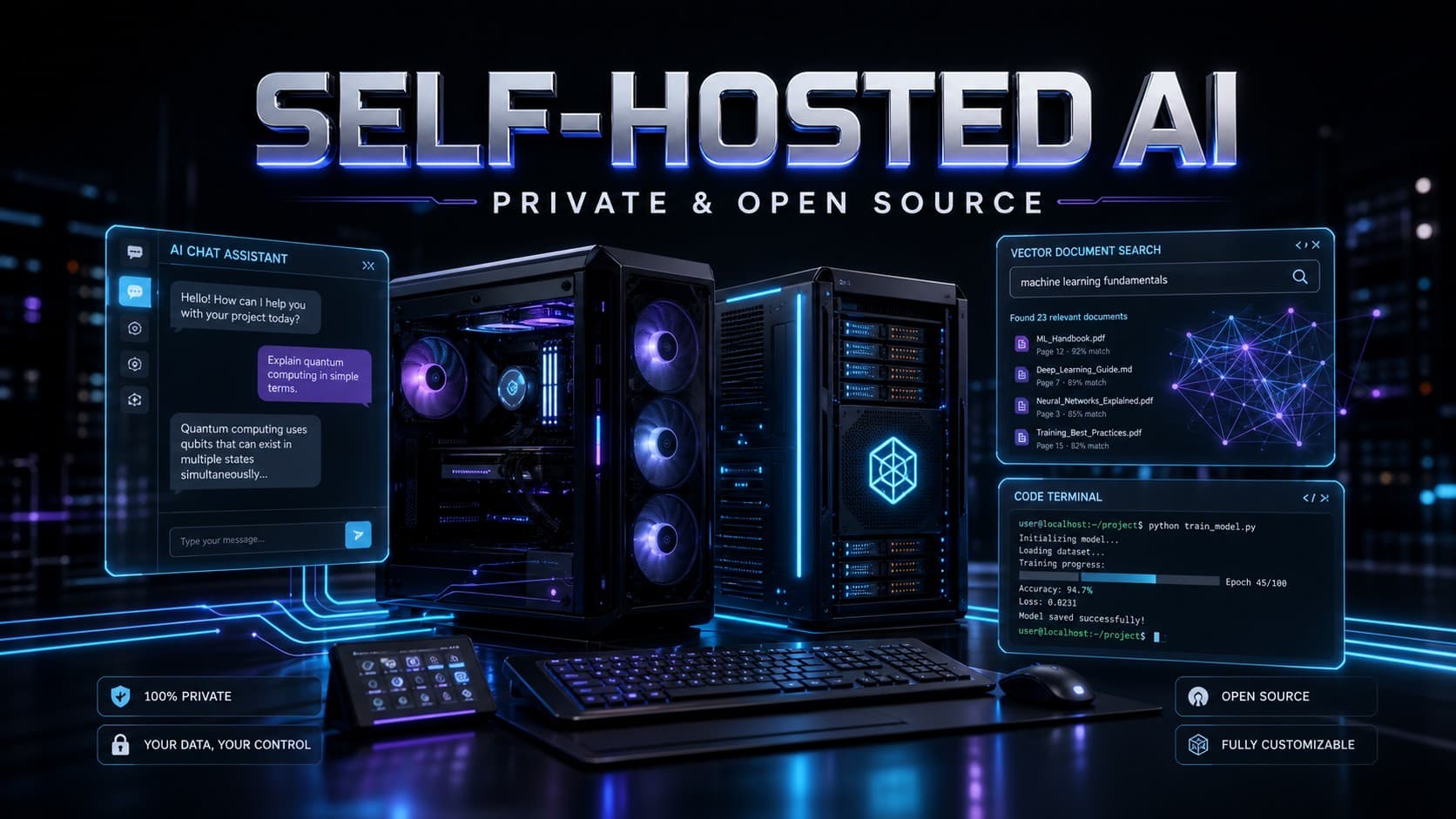
Monthly recurring subscriptions for cloud AI services are piling up on the desks of software engineers, content creators, and researchers at an unprecedented rate. A single power user can easily end up paying separate monthly fees for drafting text, searching the live web, analyzing research papers, and automating coding workflows. This fragmented financial drain has triggered a fundamental question across the tech community: Can open-source and self-hosted tools break this proprietary lock-in, delivering a private, unified AI ecosystem that keeps sensitive data strictly within local infrastructure when running local models?
The reality is that replacing a substantial portion of commercial AI suites is no longer an enthusiast’s pipe dream. However, the goal is not to pretend that frontier cloud models have lost their value overnight, nor to promise a zero-effort, zero-cost magic fix. Instead, it is about identifying where self-hosted tools match or exceed commercial counterparts, understanding where cloud infrastructure remains necessary, and shifting data sovereignty back to your own machines.
Why Are Users Migrating to Self-Hosted and Open AI Tools?
The movement away from proprietary cloud platforms is driven by a combination of strategic, operational, and financial incentives:
- Data Sovereignty and Greater Privacy: Uploading proprietary codebases, confidential client contracts, or medical records to third-party servers carries ongoing risks of data exposure or unwanted model training.
- Eliminating Subscription Fatigue: Paying recurring $20-to-$40 monthly subscriptions across half a dozen separate AI platforms creates significant cumulative overhead for freelancers and growing teams.
- Model Autonomy and Portability: Self-hosted environments grant total freedom to swap underlying model weights-moving between different architectures based on the speed and complexity required for the task.
- Zero Vendor Lock-In: Operating independent infrastructure eliminates vulnerability to unexpected policy changes, pricing hikes, or sudden service outages from a single provider.
- Offline and Local Execution: Running local models allows operational independence from external internet connections, ensuring uninterrupted workflow in secure environments.
Yet a critical question remains: Is self-hosting genuinely cheaper once hardware, electricity, and maintenance are factored in? Answering this requires a transparent look at the tools and their operational footprint.
1. Open WebUI and LibreChat: The Central Command Center
To eliminate reliance on proprietary chat interfaces, users need a unified command hub capable of routing queries to diverse models-whether served locally via engines like Ollama or connected through external API endpoints.
Open WebUI: The Native Local AI Interface
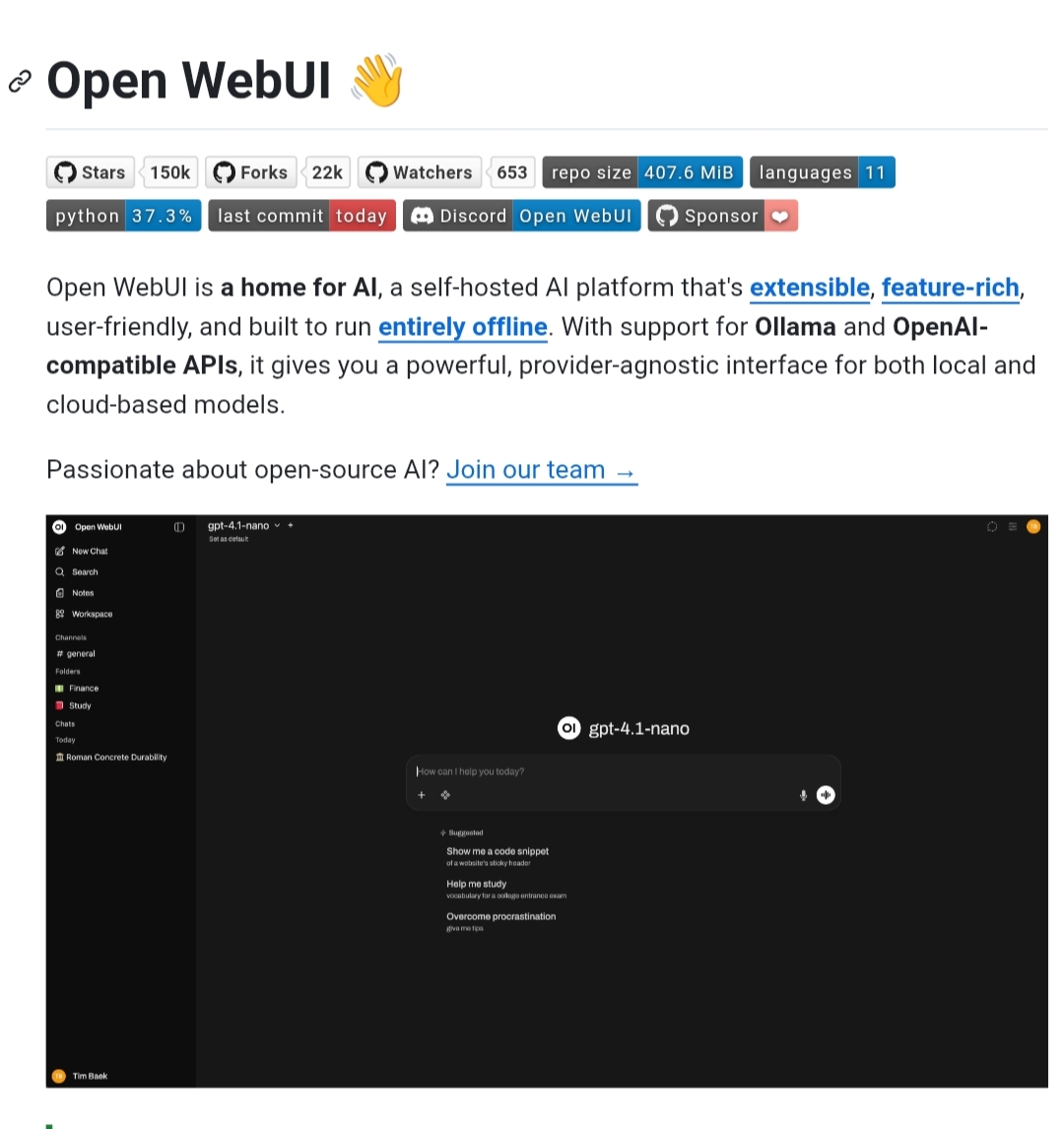
Open WebUI stands as the premier self-hosted dashboard for personal and enterprise AI management. Operating in lightweight Docker containers, it connects natively to Ollama and OpenAI-compatible backends. The interface enables instant document uploads, dynamic model switching mid-conversation, custom knowledge retrieval (RAG), and integrated web search when paired with external providers, all while keeping chat histories securely on local storage.
LibreChat: The Multi-Provider Aggregator
For workflows requiring seamless transitions between local models and various external APIs, LibreChat offers an enterprise-grade interface. It mirrors commercial interfaces while providing granular workspace separation, custom agent definitions, and unified access to multiple providers without context fragmentation.
2. Vane (Formerly Perplexica): Privacy-First, Cited AI Web Search
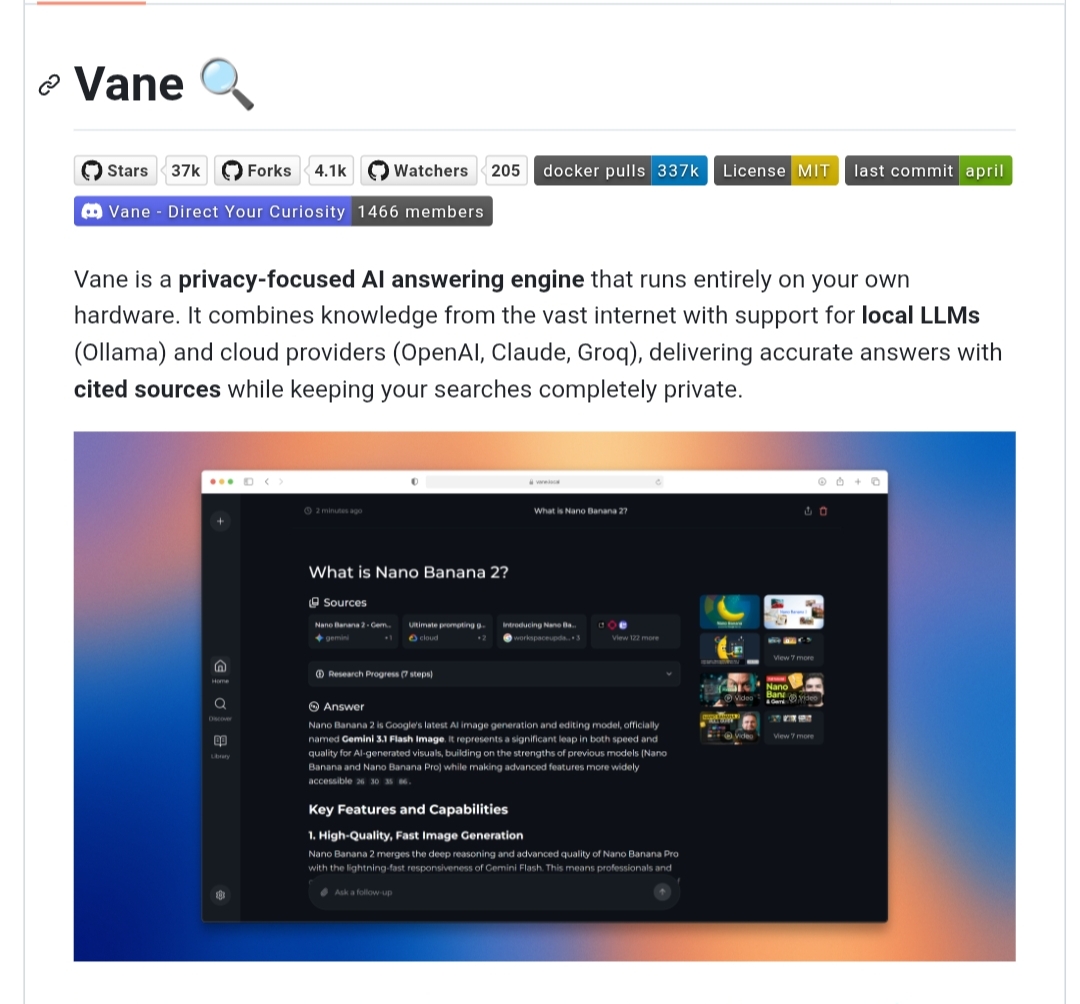
Modern AI search engines stand out by retrieving live web content and distilling it into coherent answers backed by clickable source citations. The open-source project Vane (originally known as Perplexica) replicates this functionality within a self-hosted architecture.
Vane integrates with the open-source metasearch engine SearXNG for web retrieval and can be configured to use local models through Ollama or external model providers. The underlying LLM reads the retrieved pages and synthesizes an answer referencing exact sources and links. The platform supports multiple operational modes-including Fast, Balanced, and Quality-alongside academic search and multimedia retrieval.
Can Vane Truly Replace Perplexity?
- Perplexity AI: Delivers a polished, hyper-fast cloud experience supported by massive distributed infrastructure requiring zero setup or server management.
- Vane: Provides a self-hosted alternative with customizable search modes and transparent citations, though it requires initial setup and adequate local compute for optimal synthesis.
3. AnythingLLM and Open Notebook: Document Analysis and Knowledge Workspaces
Interrogating extensive PDF libraries, books, and internal documentation is a primary use case for research-heavy professionals. Open-source retrieval-augmented generation (RAG) frameworks have advanced rapidly to handle complex document collections privately.
AnythingLLM: Isolated Workspaces for Complex Data
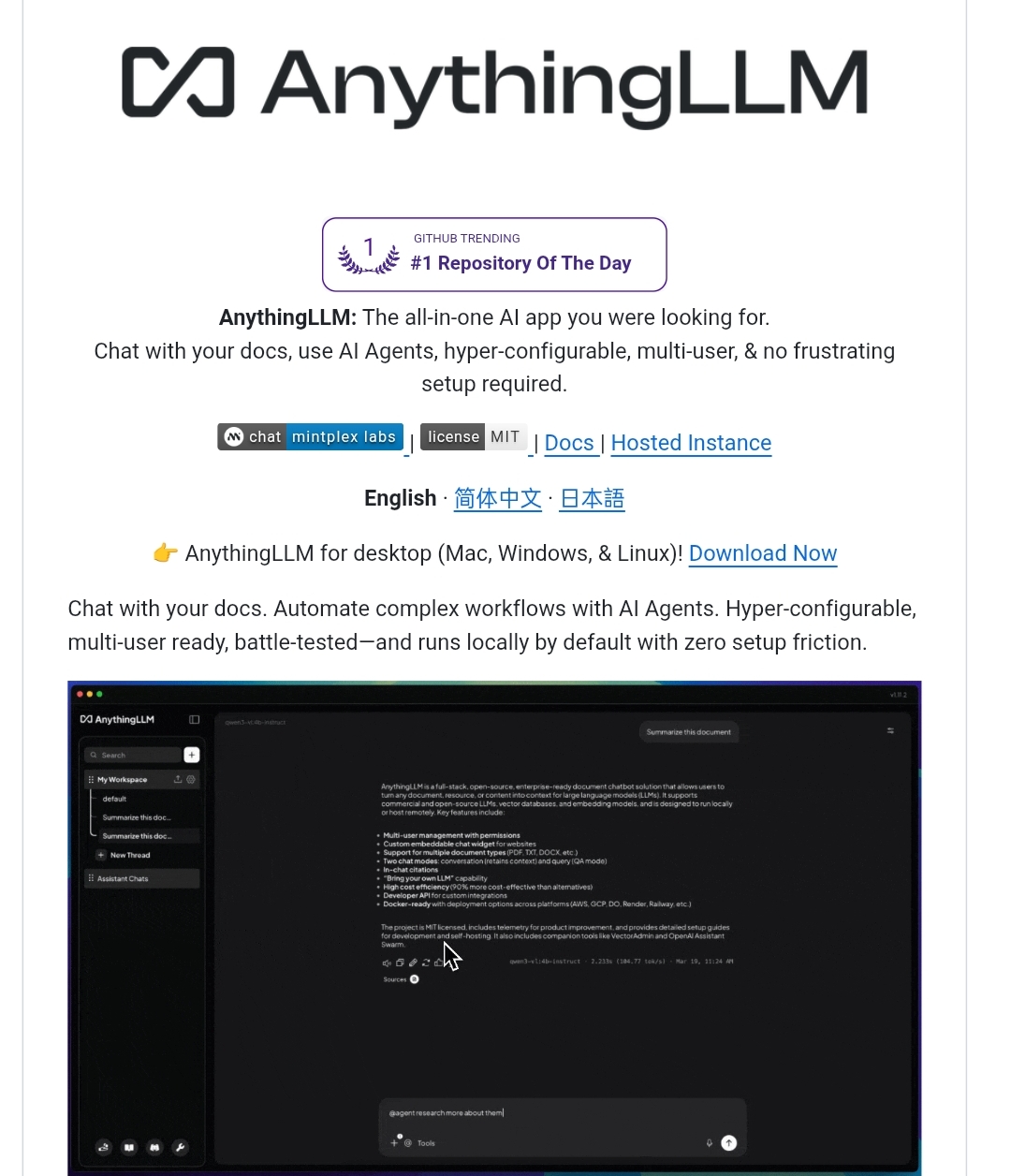
AnythingLLM provides an all-in-one desktop and server application designed to turn documents into searchable vectors. Users can create strictly isolated workspaces-ensuring that legal documents from one project never mix with engineering specs from another. When configured with a local embedding model and a local LLM, document data and vector processing remain on the local machine.
Open Notebook: The Open-Source Research Companion
Positioned as an open alternative to Google’s NotebookLM, Open Notebook focuses on organizing research sources, taking interactive notes, and generating multi-document summaries. It gives researchers full ownership over their citation databases and synthesis pipelines.
The Key Difference:
AnythingLLM prioritizes full-featured document chatbot infrastructure, enterprise workspace isolation, and customizable RAG parameters. Open Notebook emphasizes academic synthesis, source curation, and notebook-style ideation.
4. Khoj: The Personal AI Second Brain and Semantic Search Layer
Rather than treating document querying as a one-off task, Khoj acts as a persistent second brain running across years of cumulative notes, personal files, and daily documentation.
Khoj indexes diverse data sources, including PDFs, plain text, Markdown repositories, and Notion workspaces, with options to connect additional services depending on system configuration. Users can query their accumulated knowledge using natural language, retrieving relevant historical context and summarized records. When self-hosted alongside a local LLM via Ollama, Khoj operates securely behind private network boundaries without mandatory external internet access.
Where Khoj Excels and Where It Faces Limits:
- Key Strengths: Exceptional semantic search over personal knowledge archives, deep integration with tools like Obsidian, and automated background indexing.
- Operational Limits: Initial indexing of massive file structures requires notable processing time, and retrieval fidelity depends heavily on the quality of the underlying embedding model.
5. OpenHands: Autonomous Coding Agents in Isolated Sandboxes
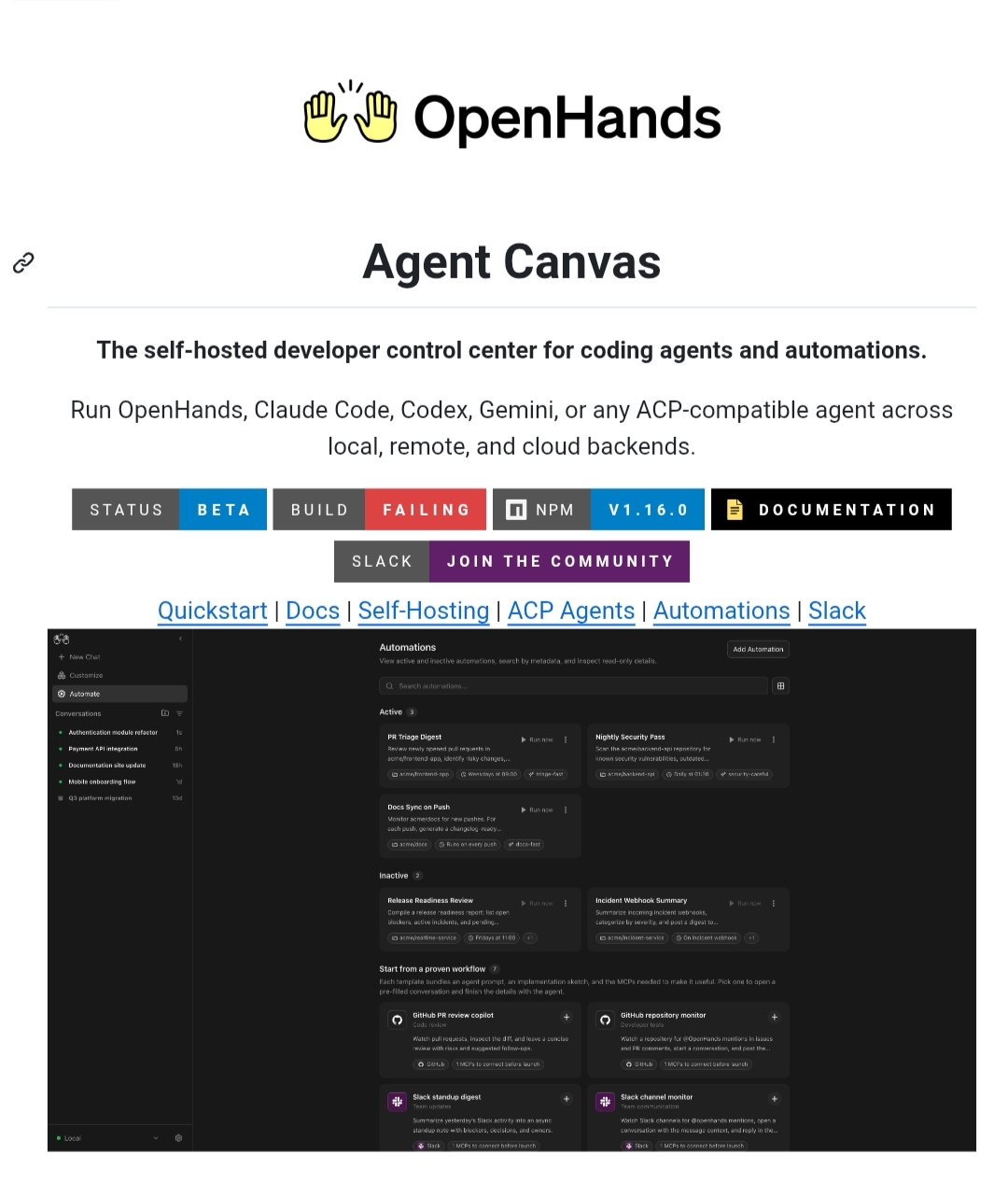
Software engineering workflows have been transformed by autonomous coding assistants capable of modifying files and running terminal commands. OpenHands serves as a powerful open-source agent platform for developers seeking complete control over their coding environment.
Operating as an autonomous agent, OpenHands reads entire repository structures, edits code across multiple files, generates new components, and executes terminal commands. To help reduce the risks of direct command execution on the host machine, tasks run inside isolated Docker sandboxes, allowing automated test runs and lint checks before changes are committed.
Can OpenHands Replace Claude Code or Cursor?
- Claude Code and Cursor: Offer turnkey integration, ultra-fast cloud latency, and direct access to top-tier reasoning models with zero configuration.
- OpenHands: Delivers complete architectural transparency, sandbox isolation, and freedom from proprietary platform restrictions, though it demands substantial compute resources and a high-tier reasoning model for reliable multi-step refactoring.
6. Dify: Visual Workflow Orchestration and AI Application Engineering
For users looking to build complex, multi-agent automated pipelines without writing boilerplate infrastructure code from scratch, Dify functions as an end-to-end development platform.
Dify provides a visual canvas for orchestrating agentic workflows, connecting RAG pipelines, managing prompt templates, and deploying production-ready APIs. Dify offers a self-hosted Community Edition under a modified Apache 2.0 license (source-available) that includes additional terms governing certain multi-tenant and re-branding use cases, making it a robust self-hosted choice for internal and personal automation projects.
Practical Replacement Guide: What Tool Replaces What?
To map out your self-hosted migration clearly, here is how the open-source stack aligns against proprietary cloud suites:
Replacing ChatGPT and Claude
- Recommended Choice: Open WebUI or LibreChat
- Best For: Users seeking a unified frontend for local models, multi-model comparison, and private chat history.
- Primary Advantage: Full control over conversation logs, custom system prompts, and zero cloud data retention.
- Operational Requirements: A working Docker environment and a running Ollama or API backend.
Replacing Perplexity AI
- Recommended Choice: Vane (formerly Perplexica)
- Best For: Researchers requiring live web search with verifiable citations and multimedia indexing.
- Primary Advantage: Self-hosted search environment, transparent citations, and configurable search modes.
- Operational Requirements: Search configuration and a connected local or cloud LLM for synthesis.
Replacing Google NotebookLM
- Recommended Choice: AnythingLLM or Open Notebook
- Best For: Professionals analyzing extensive PDF libraries, technical documentation, and isolated client folders.
- Primary Advantage: On-device vector generation and isolated workspace partitions.
- Operational Requirements: Adequate system RAM and local storage for embedding databases.
Replacing Cloud Second Brains and Notes Apps
- Recommended Choice: Khoj
- Best For: Anyone managing years of personal Markdown notes, Obsidian vaults, and Notion documentation.
- Primary Advantage: Continuous background indexing and semantic search over personal history.
- Operational Requirements: Initial indexing configuration and directory mapping.
Replacing Claude Code and AI Coding Agents
- Recommended Choice: OpenHands
- Best For: Software engineers needing autonomous repository modification and automated test execution.
- Primary Advantage: Docker sandbox isolation to reduce direct command execution risks on the host.
- Operational Requirements: Strong GPU compute or connection to a capable external coding model.
Replacing Proprietary AI Automation Platforms
- Recommended Choice: Dify
- Best For: Teams building visual workflows, multi-agent systems, and integrated RAG pipelines.
- Primary Advantage: Visual orchestration environment with extensible API endpoints.
- Operational Requirements: Self-hosted server deployment and compliance with license guidelines.
The Reality Check: Is Self-Hosting Genuinely Cheaper?
Describing open-source software as “free” refers to software licensing, not total cost of ownership. Moving to a self-hosted AI architecture shifts costs from monthly SaaS subscriptions to infrastructure, hardware, and maintenance:
- Hardware Investment (GPU and VRAM): Running modern open-weight models (like Llama 3, Qwen, or DeepSeek variants) with acceptable token generation speeds requires GPUs with at least 16GB to 24GB of VRAM. High-parameter models require significant upfront hardware capital.
- Electricity and Thermal Overhead: Sustained local inference under continuous workloads draws measurable power, resulting in higher electricity bills and cooling requirements for dedicated workstations or home servers.
- RAM and High-Speed Storage: Managing vector databases, model weights, and context caches demands substantial system memory (32GB-64GB RAM) and fast NVMe SSD storage.
- Setup, Maintenance, and Security: Managing container updates, maintaining networking rules, handling security patches, and troubleshooting compatibility issues requires ongoing technical labor.
- Pay-Per-Token API Hybrid Costs: When local hardware cannot match frontier models on complex logic, routing fallback queries to commercial APIs incurs direct usage-based token charges.
- The Frontier Reasoning Gap: While compact local models excel at everyday tasks, the largest cloud models still hold a performance edge on complex mathematical proofs and multi-layered abstract reasoning.
- Local Network Security: Opening ports for remote access requires proper network hardening, reverse proxies, and encryption to prevent unauthorized exposure.
Decision Framework: When to Choose Open-Source vs. Cloud
Use this decision framework to determine the optimal strategy for your workflow:
Choose Self-Hosted and Open Tools If:
- Your data, source code, or documents involve strict confidentiality, compliance, or intellectual property restrictions.
- You require continuous, high-volume generation without arbitrary hourly rate limits or prompt throttling.
- You already possess capable GPU hardware or dedicated local server infrastructure.
- You want an enduring, customized AI pipeline unaffected by third-party terms of service changes.
Stay With Managed Cloud Services If:
- You need an instant, turnkey setup without managing containers, servers, or environment variables.
- You lack dedicated high-VRAM hardware and do not intend to invest in local workstation upgrades.
- Your AI utilization is sporadic, making hardware acquisition economically impractical compared to a flat monthly subscription.
- Your workflow depends exclusively on peak frontier reasoning benchmarks across massive multi-modal inputs.
How to Assemble Your Sovereign AI Architecture
When combined thoughtfully, these individual open-source projects form a cohesive, self-contained AI workstation:
The stack starts with Open WebUI as the primary user gateway, connecting to Ollama to serve quantized local models. For real-time intelligence, the interface routes web search queries through Vane, providing verified sources with clickable citations. Deep document analysis and RAG tasks are delegated to AnythingLLM, while Khoj runs in the background indexing personal notes and historical files. On the engineering side, OpenHands executes sandboxed programming tasks, while Dify orchestrates automated workflows across your databases and APIs. The result is a modular ecosystem operating under your direct control.
Can You Completely Ditch Commercial AI Platforms?
The practical answer is nuanced. The future of productivity is not a zero-sum battle between local open-source and proprietary clouds; it belongs to the Hybrid Architecture.
Many users can handle routine workloads locally-including private document queries, routine scripting, drafts, and research-while reserving commercial APIs for tasks that require more capable frontier models or larger context windows. This approach keeps monthly token costs minimal while ensuring that private data remains on local infrastructure.
Conclusion: Regaining Control Over Your Digital Future
Commercial AI subscriptions have not vanished, but they have permanently lost their monopoly over everyday productivity. The rapid maturation of tools like Open WebUI, Vane, AnythingLLM, Khoj, OpenHands, and Dify proves that self-hosting a comprehensive AI suite is now practical, dependable, and accessible.
The decision ultimately balances three pillars: hardware investment, maintenance commitment, and the value of your private data. The tools are ready, the architecture is increasingly mature, and the path toward greater digital autonomy is now more accessible than ever.