
Best Free Online AI Video Editing Tools
AI video editing online for free has become easier with the evolution of smart technologies. Video editing tools have increasingly relied on these advanced technologies to provide easier and more efficient experiences.
In this article, based on my experience, I will review some of the best available tools that enable you to create and edit clips, focusing on the features of each tool and how it can help you achieve excellent results.
Best AI Video Editing Tools for Free
Runway: An Advanced Video Editing Tool
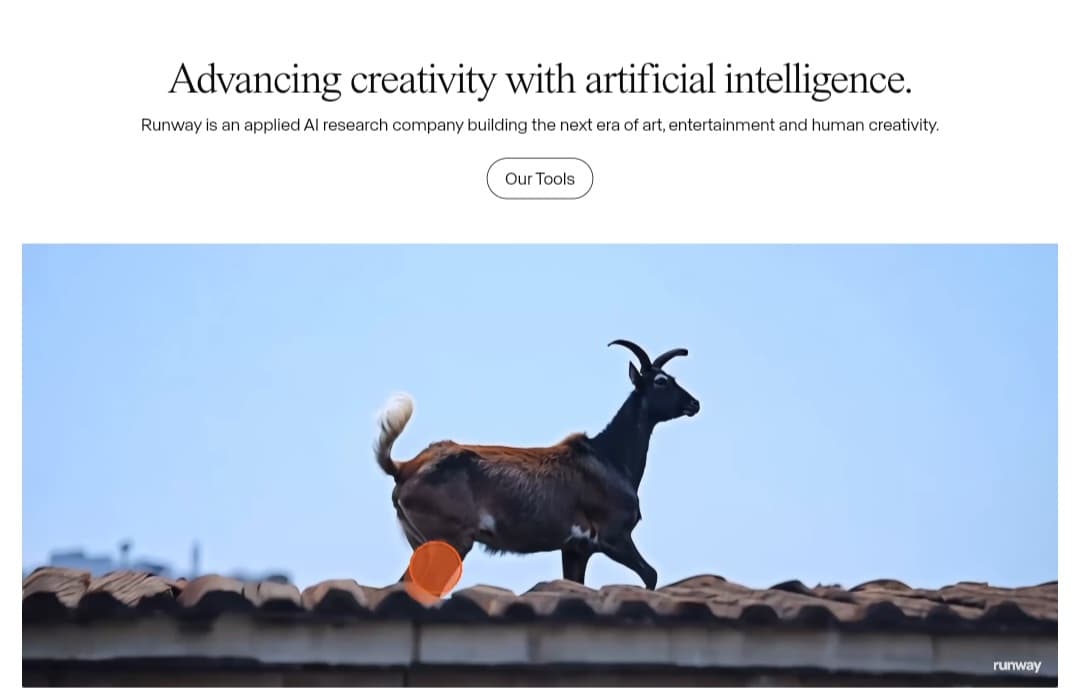
Many have probably heard of this excellent platform and the remarkable tools and technologies it offers.
Runway is considered one of the most specialized tools in the field of creating and editing videos using artificial intelligence today.
Furthermore, it is known for its continuous development of advanced generative models.
After Gen-2 and Gen-3 Alpha introduced significant improvements, Runway continued advancing its generative engines with the release of Gen-4 and the ultra-fast Gen-4 Turbo models..
Gen-4 revolutionarily focuses on “World Consistency.” This allows users to create characters, places, and elements that maintain their appearance and identity across multiple shots and scenes using the “References” tool, which relies on a single image.
During my frequent use of the platform, I find this tool suitable for both beginners and professionals due to the multitude of available tools and options.
RunwayML Video Editing Features & Tools
1. Lip Sync: I recommend starting by trying this wonderful feature, which adds realism to your animated videos.
2. Inpainting (Remove unwanted elements)
3. Professional Color Grade (LUT): You can add cinematic touches by adjusting colors using ready-made templates (LUT) or even using text commands!
4. Blur Faces: Sometimes we want to add privacy for people in our clips, and this tool automatically blurs their faces.
5. Motion Tracking: This feature works by following the movement of any element in the video with high accuracy, adding visual effects.
6. Automatic Subtitles: This feature saves you the effort of typing subtitles, as it does it for you automatically.
7. Remove Silence: This maintains smooth viewing by deleting periods of silence from videos.
8. Depth of Field adjustment: You can control the depth of field in your videos to highlight important elements as you wish.
9. Automatic Scene Detection: This divides long videos into short clips automatically, which makes the editing process easier.
10. Smooth Super Slow Motion: It transforms any video into smooth, professional slow motion without losing quality, as demonstrated from my experience in the previous image.
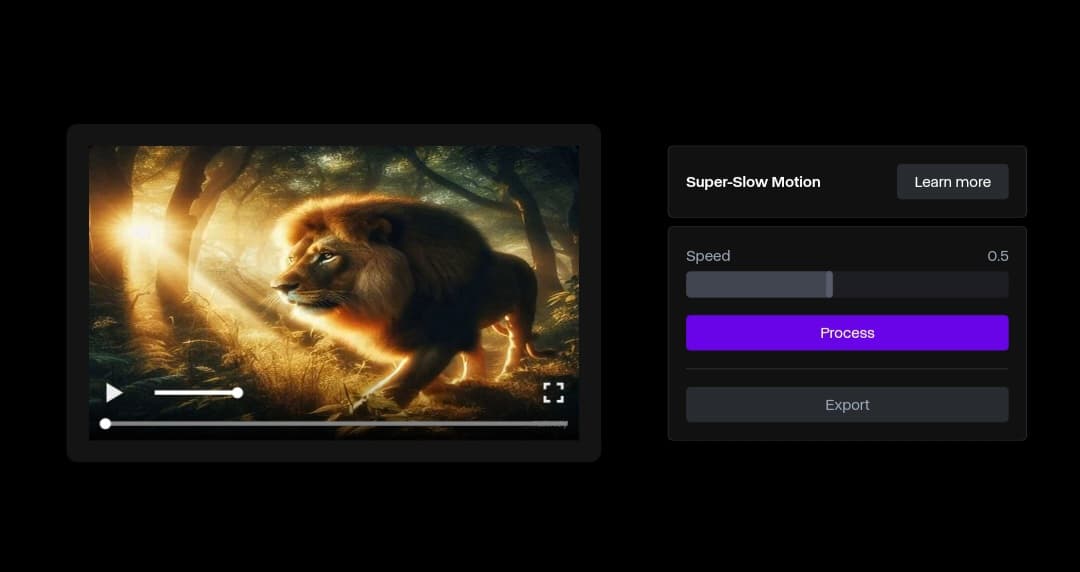
11. “Motion Brush” and “Multi Motion Brush” features: These allow you to “paint” movement onto specific parts of an image or video to animate them.
12. “Extend” feature: This allows users to extend AI-generated video clips for longer, more complete shots.
RunwayML Free Plan: Is It Worth Trying?
If you are interested in trying RunwayML’s amazing tools without paying any fees, I highly recommend the Free Plan!
This plan is free forever! You will get 125 credits upon account creation to experiment with various AI tools, including converting text to videos and editing your existing videos with stunning effects.
However, keep in mind that this plan comes with some limitations. You will find a watermark on some videos, and you won’t be able to export them at the highest resolution.
Also, the duration of the videos you can create is limited, and you will need to upgrade to a paid plan if you want to get more features.
My advice to you is to try the Free Plan first! It will give you a good idea of RunwayML’s capabilities, and if you like it, you can upgrade later.
InVideo: The Ideal Tool for Easily Creating Short Videos
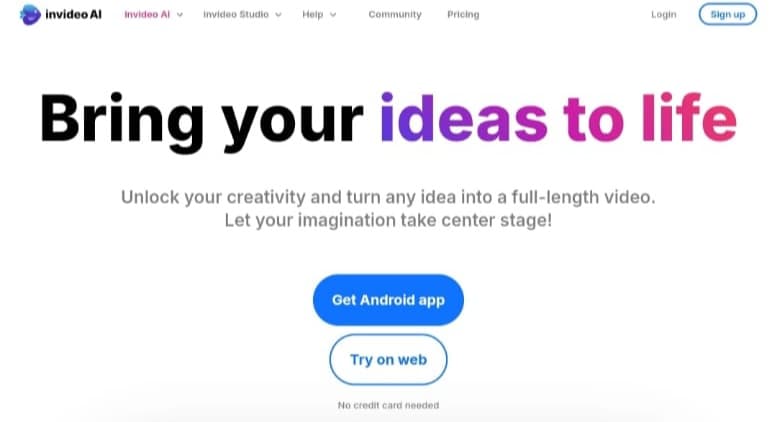
InVideo is another excellent AI-powered tool for anyone who wants to create short clips quickly and without prior editing experience.
The following image illustrates my experience transforming a text description into a video clip in just seconds, easily and for free.
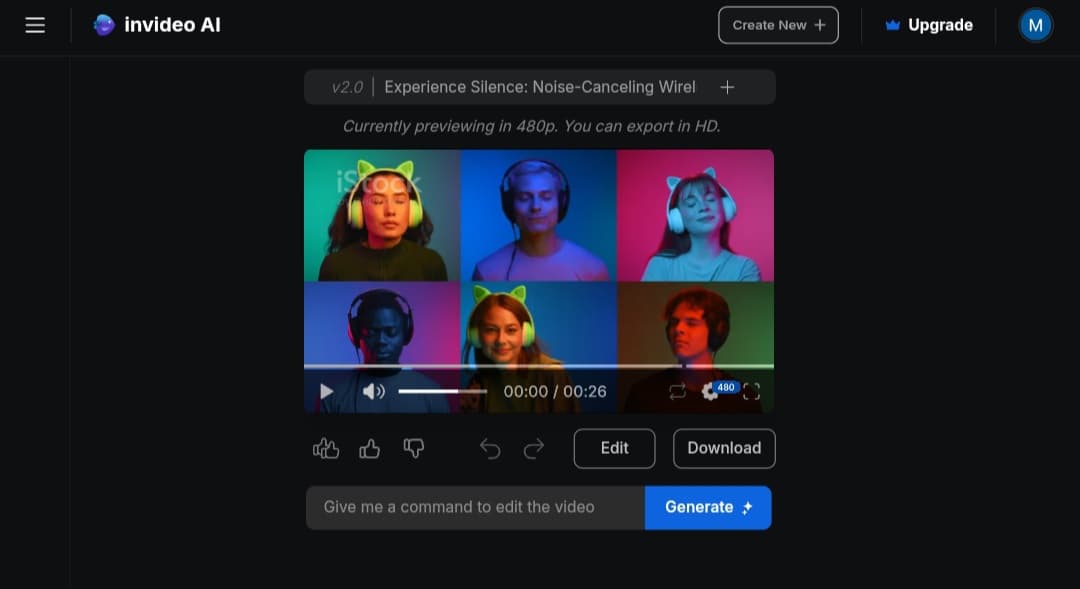
One of InVideo’s best features is the text-to-video tool. Users can input simple texts and transform them into impressive clips within minutes.
The Free Plan in InVideo
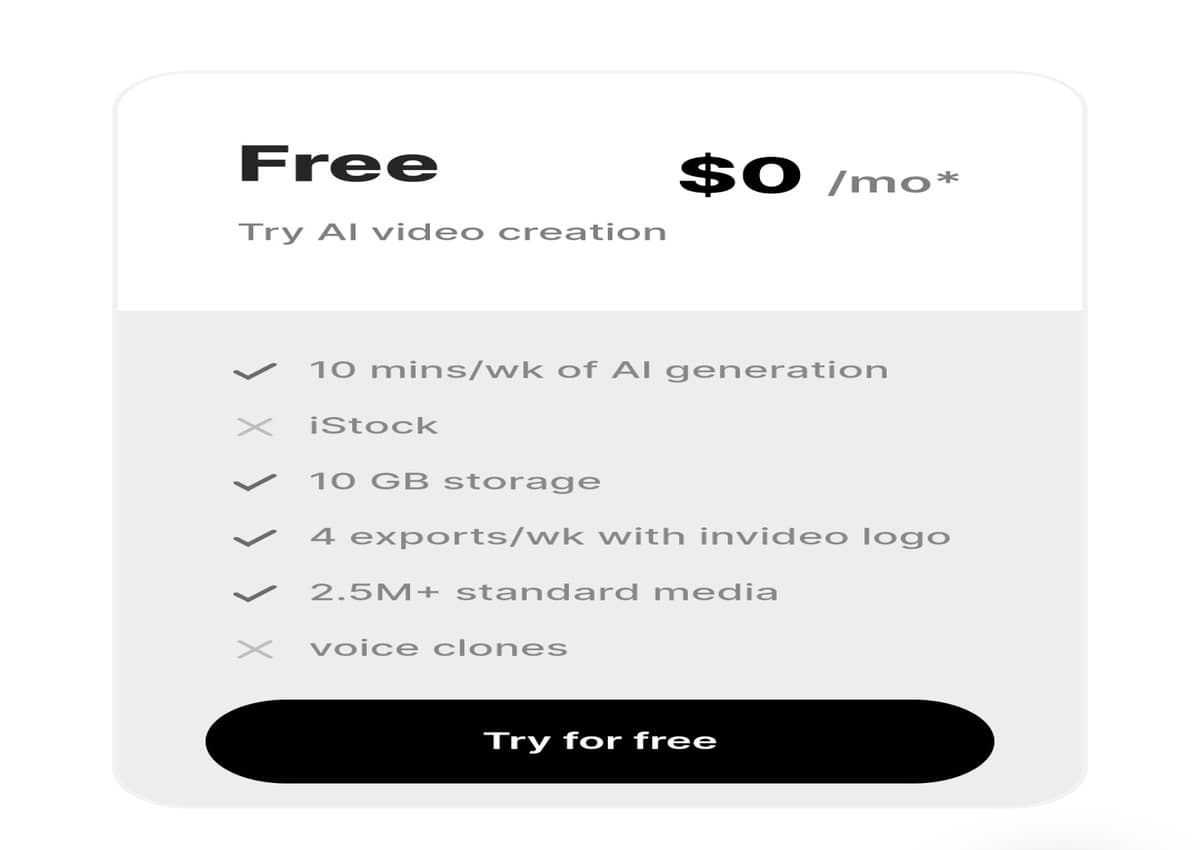
With the free InVideo plan, you get 10 minutes weekly to create videos using AI technologies.
Moreover, it offers you storage space up to 10 GB, in addition to benefiting from a large library of media and images that you can use in your projects. You can also export 4 videos weekly, but they will carry the platform’s watermark.
Free Access from Here.
ClipChamp: The Ideal Tool for Beginners
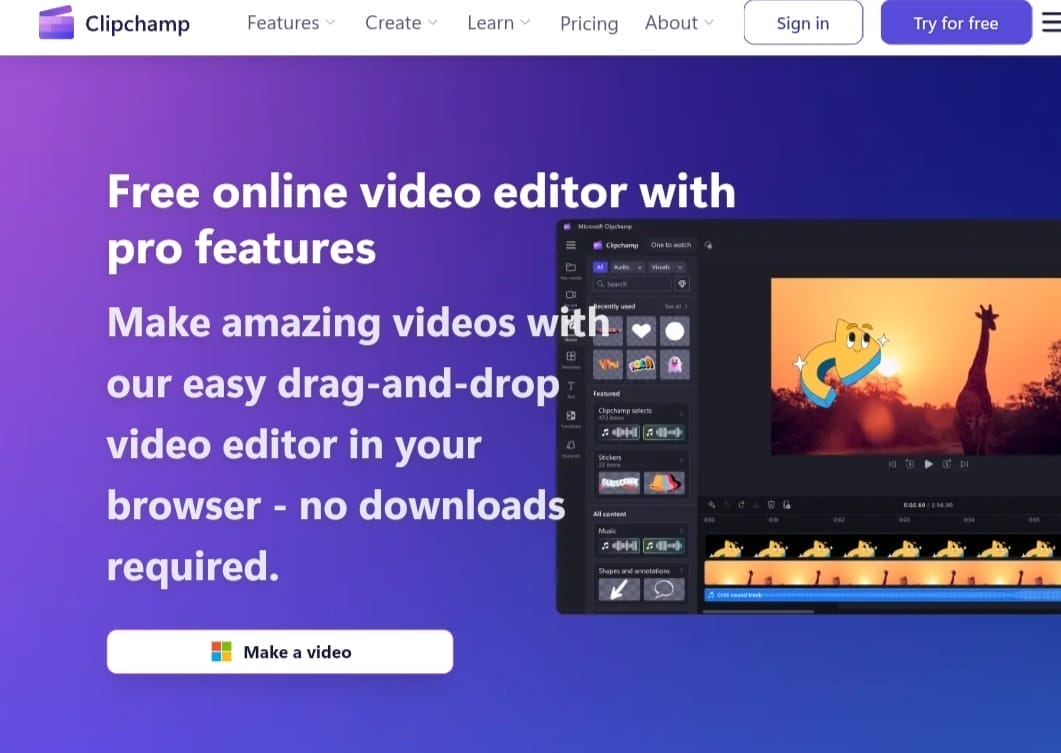
Clipchamp is a tool developed by Microsoft.
And after experiencing it, I found it an excellent option, especially for beginners who want to create videos with AI easily for free.
Also, you will find a text-to-speech tool, which supports over 400 voice styles in 170 languages, with the ability to control pitch, accent, and gender.
Clipchamp Free Plan Features
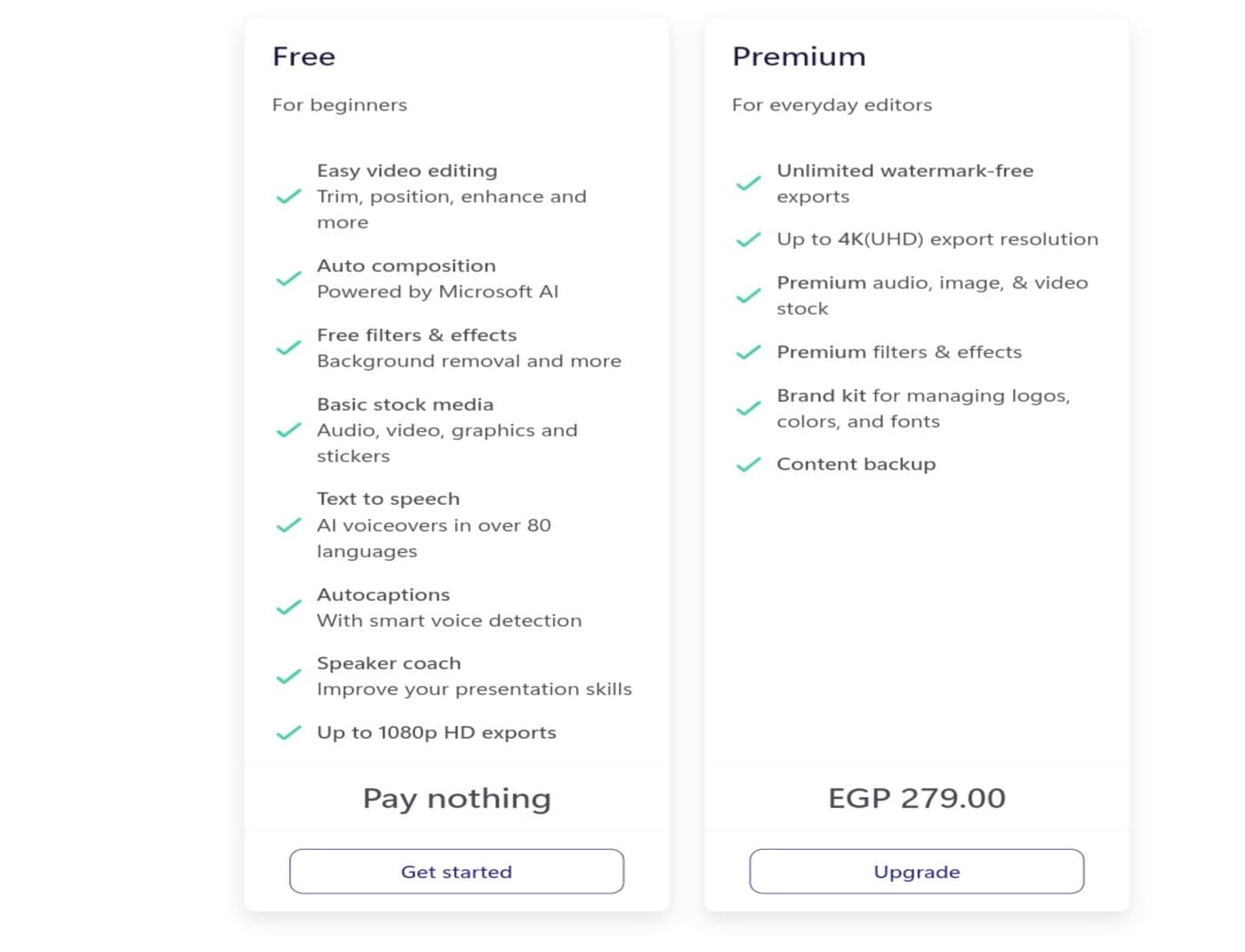
The Free Plan offers a standout competitive advantage: you can export completed videos in up to 1080p resolution completely free and without any watermark on standard projects, alongside intuitive tools for trimming, merging, and color correction.
Another powerful feature is automatic background removal, paired with an “Automatic Video Creation” tool that intelligently curates your raw footage, images, and audio into polished social sequences.
Lastly, the automatic transcription feature allows you to generate accurate closed captions in seconds, accompanied by a realistic AI text-to-speech engine supporting hundreds of voices across 170 languages.
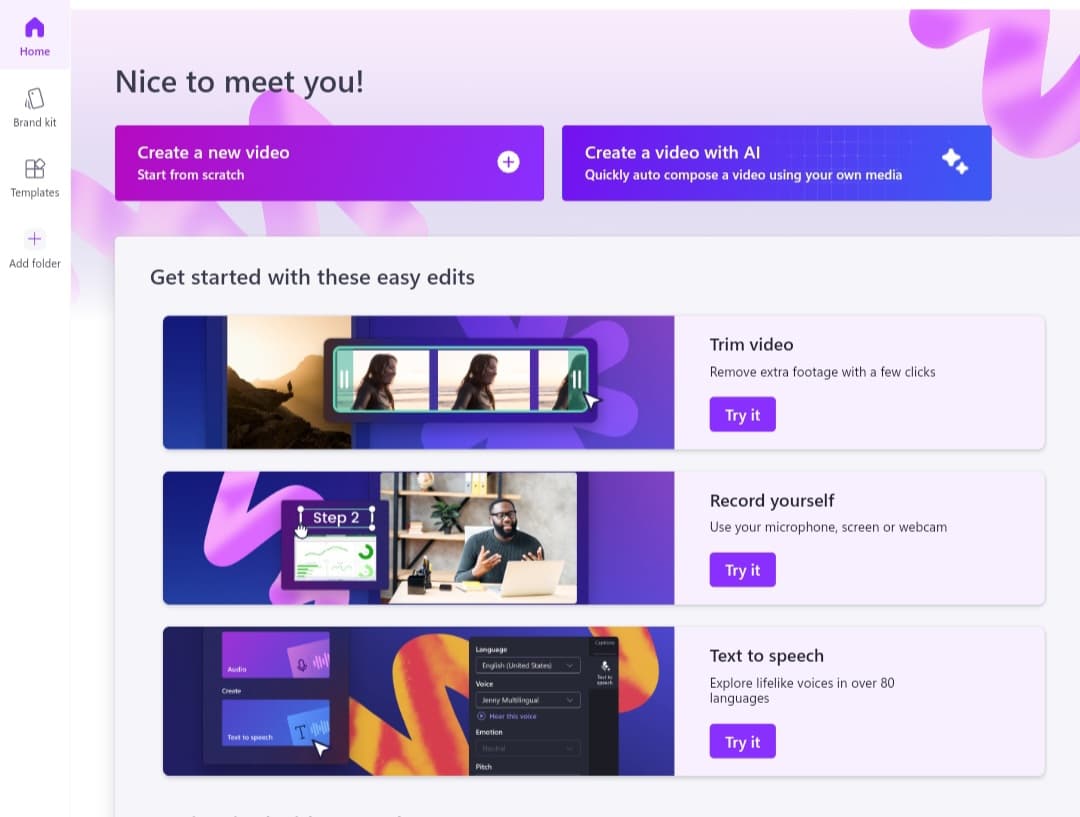
Lastly, an automatic transcription feature is available, which helps you easily add subtitles to your videos.
CapCut Online: The Most Popular Free Cloud Editor for Social Media
CapCut (Web Version) has become an essential browser-based tool for creators producing short-form video on TikTok, Instagram Reels, and YouTube Shorts. It delivers a full-featured AI timeline editor directly in your browser with zero mandatory software installations.
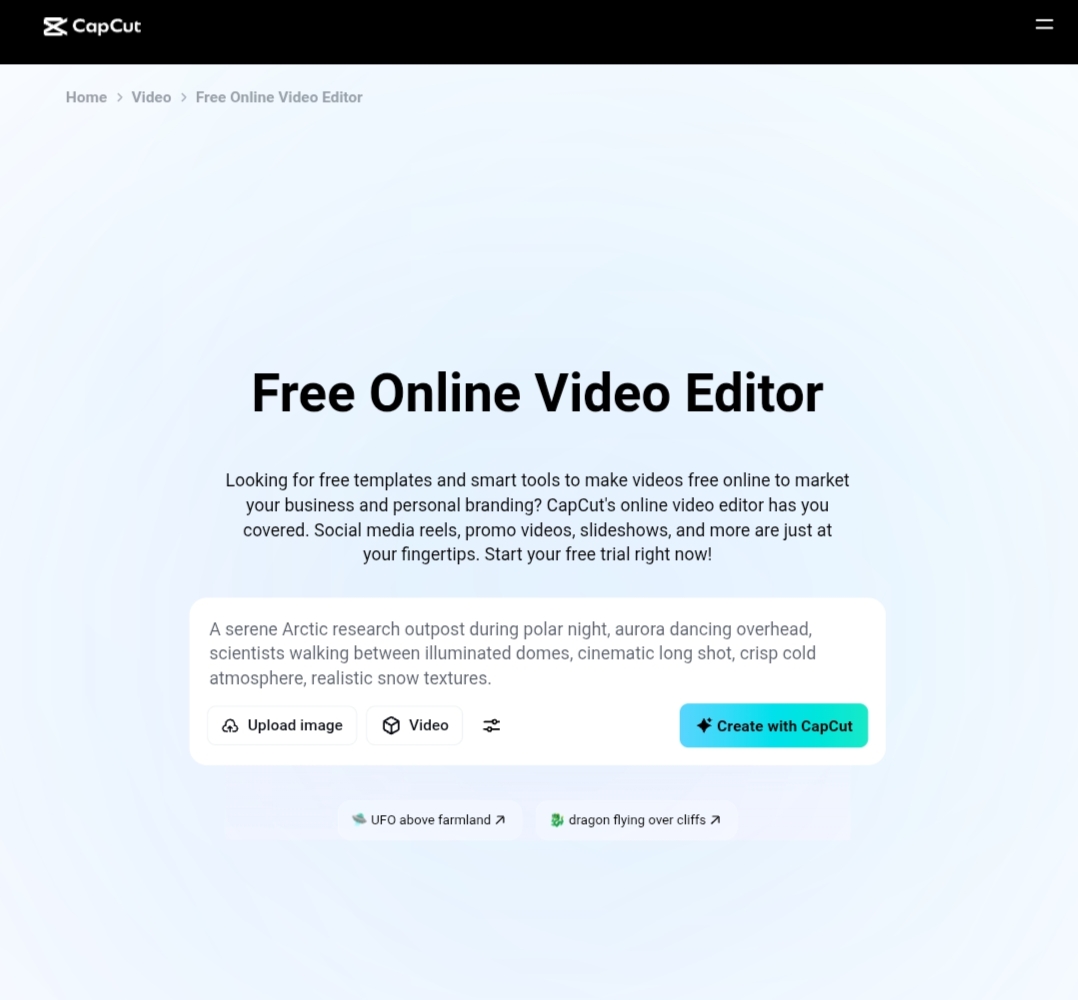
Key Free AI Features in CapCut:
- Auto Captions: Generate synchronized, animated dynamic subtitles across multiple languages with high speech-recognition accuracy.
- One-Click Background Removal: Automatically isolate human subjects and swap backgrounds without needing a physical green screen setup.
- Audio Noise Reduction: Clean up vocal recordings and eliminate background ambient hum automatically.
- High-Resolution Free Export: Download your finished projects in up to 1080p resolution without forced watermarks on standard timelines.
Also, check out some of the best AI video creation tools.
In conclusion – as you know – the video editing process can be time-consuming.
However, AI video editing via the web for free has become a quick and easy solution that saves you hours of effort by using tools like those we mentioned in the article.
Article originally published in May 2025, updated for 2026 to reflect the latest generative AI video models and online editing tools.